The bottom line
AI automation combines traditional workflow automation with artificial intelligence — like machine learning and natural-language processing — to interpret unstructured data and make context-aware decisions. Traditional automation follows fixed “if this, then that” rules on structured data. AI automation adapts to variation and ambiguity; traditional automation executes known instructions reliably and predictably.
- Most real systems are hybrids: AI interprets, and fixed rules enforce.
- Use rules for stable, structured, auditable steps; use AI where people currently have to read or judge.
- AI steps need confidence checks, fallbacks, and a person for uncertain or high-stakes cases.
- Label each step of a process before you buy anything — it shows exactly where AI belongs.
What traditional automation is
Traditional automation — also called rule-based automation — runs on explicit, predefined logic. A person sets the conditions ahead of time, and the system carries them out the same way every time: “if this happens, do that.” It works on structured, predictable inputs like database fields, fixed-format forms, or standard file types.
Because the logic is fixed, the same input always produces the same output. That’s a feature, not a limitation: it’s exactly what you want where consistency and auditability matter more than flexibility. Examples:
- Filing an email in a shared folder because it came from a specific domain or has a keyword in the subject
- Moving invoice data into accounting when the vendor ID is on an approved list
- Sending a standard confirmation when someone submits a form
- Restarting a server process when a monitoring threshold is crossed
- Generating a monthly report from the same database query
Robotic process automation (RPA) belongs here too. Microsoft describes its own RPA tool as built for repetitive, rule-based desktop tasks: software that clicks and types through applications the way a person would, following set steps.
What AI automation is
AI automation adds artificial intelligence on top of conventional automation, so the system can interpret unstructured or variable information and make context-sensitive decisions. That’s the core shift: traditional automation needs someone to anticipate every scenario in advance, while AI generalizes from patterns, so it can handle an input it hasn’t seen in exactly that form — a differently formatted invoice, an ambiguously worded email, a new type of support request.
| AI capability | What it does in automation |
|---|---|
| Natural-language processing (NLP) | Understands and writes human language: emails, tickets, contracts |
| Computer vision | Interprets images, scans, and video |
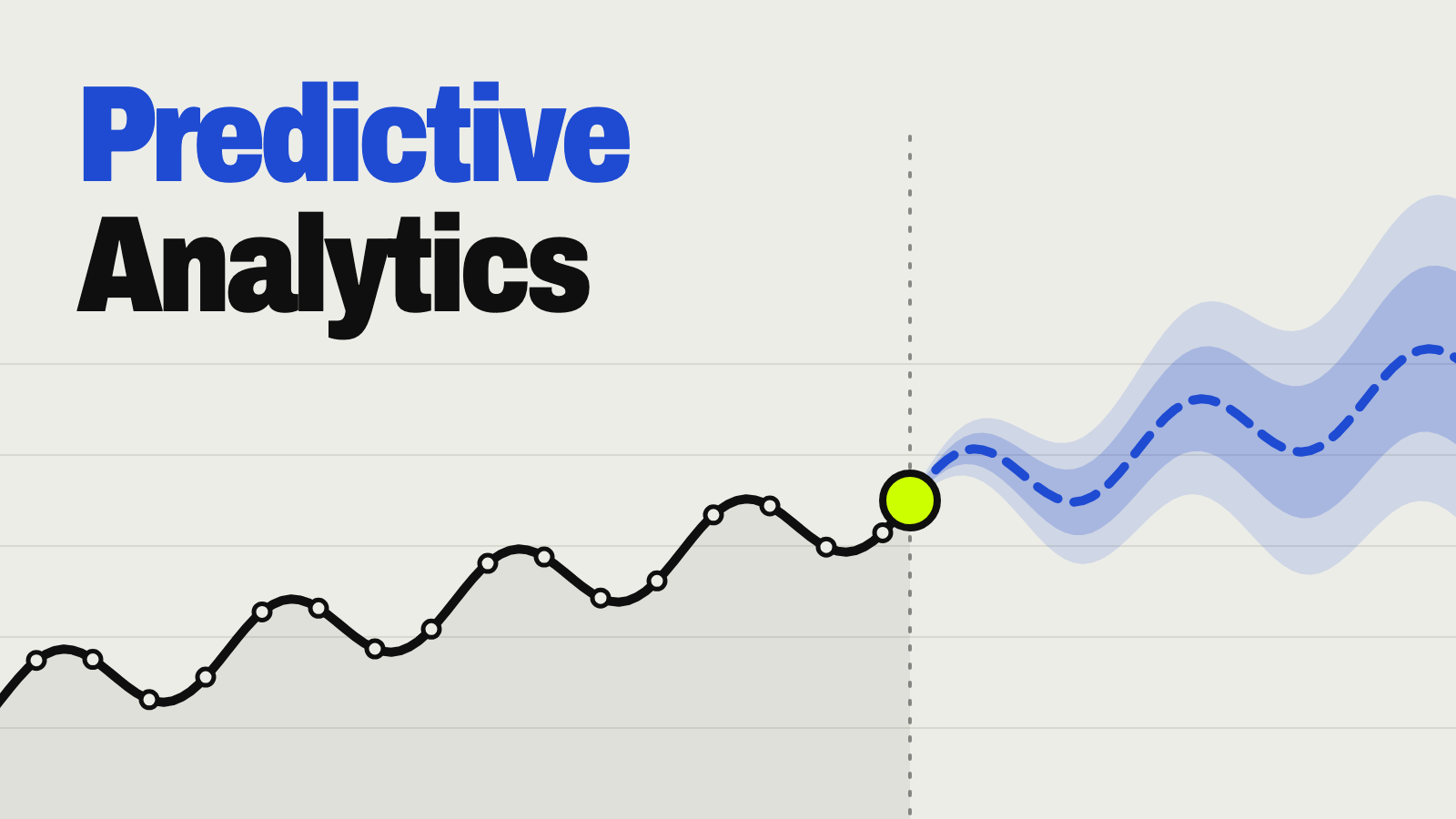
| Predictive analytics | Forecasts outcomes or flags anomalies |
| Generative AI | Drafts, summarizes, or combines content (see what generative AI is) |
| Classification models | Sorts inputs by intent, urgency, or risk |
Examples of AI automation:
- Reading an invoice regardless of its layout and pulling out the right fields. Amazon’s Textract, for example, says it extracts invoice and receipt data “without the need for any templates or configuration.”
- Classifying an inbound email by intent and urgency, not just by keyword
- Summarizing a long support request and flagging anything unusual
- Spotting fraud patterns that no single fixed rule would catch
- Forecasting inventory from shifting demand signals
AI automation vs. traditional automation, side by side
| Traditional automation | AI automation | |
|---|---|---|
| Logic | Fixed “if this, then that” rules | Models infer a response from data and context |
| Inputs | Structured data: fields, standard forms | Structured and unstructured: emails, documents, images, speech |
| Decisions | Carries out decisions a person already defined | Classifies, predicts, recommends, or generates from learned patterns |
| When things change | Someone has to rewrite the rules | Handles new inputs, but needs monitoring and occasional retraining |
| Output | Deterministic and repeatable | Probabilistic; often needs confidence checks or human review |
| Best for | Stable, high-volume, repetitive work | Variable work that needs interpretation or judgment |
| Main risk | Breaks on exceptions | Wrong outputs, drift, and hard-to-explain decisions |
The short version: traditional automation executes known instructions; AI automation interprets situations and helps decide what should happen next.
Three examples: where rules end and AI begins
The clearest way to see intelligent automation in practice is to break a workflow into steps and label each one. In most real systems, the two approaches work together.
Example 1: email routing
| Step | Type | What happens |
|---|---|---|
| 1 | Rule | Check the sender’s domain and subject-line keywords against known routes |
| 2 | AI | If no rule matches, an NLP model labels the intent, topic, and tone — e.g., “billing complaint, high urgency” |
| 3 | Rule | That label triggers a fixed route: billing queue, high-priority tag, notify the on-call person |
Example 2: invoice processing
| Step | Type | What happens |
|---|---|---|
| 1 | AI | Text recognition and field extraction read the vendor, amount, date, and line items from any layout, each with a confidence score |
| 2 | Rule | The vendor name is checked against your approved vendor list |
| 3 | Rule | A fixed approval threshold decides auto-approval or manual sign-off before any payment |
Example 3: support ticket triage
| Step | Type | What happens |
|---|---|---|
| 1 | AI | An NLP model reads the ticket and labels topic, urgency, and sentiment |
| 2 | Rule | An SLA timer starts based on the urgency label |
| 3 | Rule | Escalation and agent assignment follow predefined rules |
The pattern: AI interprets, rules execute and enforce. AI handles the ambiguity; fixed rules handle anything that must be consistent, auditable, and within policy. Our guide to generative AI for customer support builds out the ticket example in full.
How an AI automation system is built
Most production systems, including the three examples above, have five layers:
| Layer | What it does | Usually AI or rules? |
|---|---|---|
| 1. Data capture | Pulls in emails, documents, forms, sensor readings, or database records | Rules |
| 2. Interpretation | Extracts meaning with NLP, text recognition, or computer vision | AI |
| 3. Reasoning or prediction | Classifies, forecasts, flags anomalies, or recommends | AI |
| 4. Workflow execution | Carries out the action through APIs, RPA, or scripts | Rules |
| 5. Feedback and governance | Logs outcomes, routes uncertain cases to people, watches for errors | Rules plus people |
Only the middle layers usually involve AI, which is why most systems are hybrids. For the step-by-step build — triggers, approvals, and exception handling — see our guide to AI workflow automation.
Benefits and risks of AI automation
Why businesses adopt it:
- Less manual work on data entry, routing, and reconciliation
- Higher throughput, since systems run continuously and handle volume
- Usable unstructured data: emails, documents, images, and conversations become inputs
- Faster decisions, because information is extracted and checked sooner
- Better visibility, since automated logs surface bottlenecks and anomalies
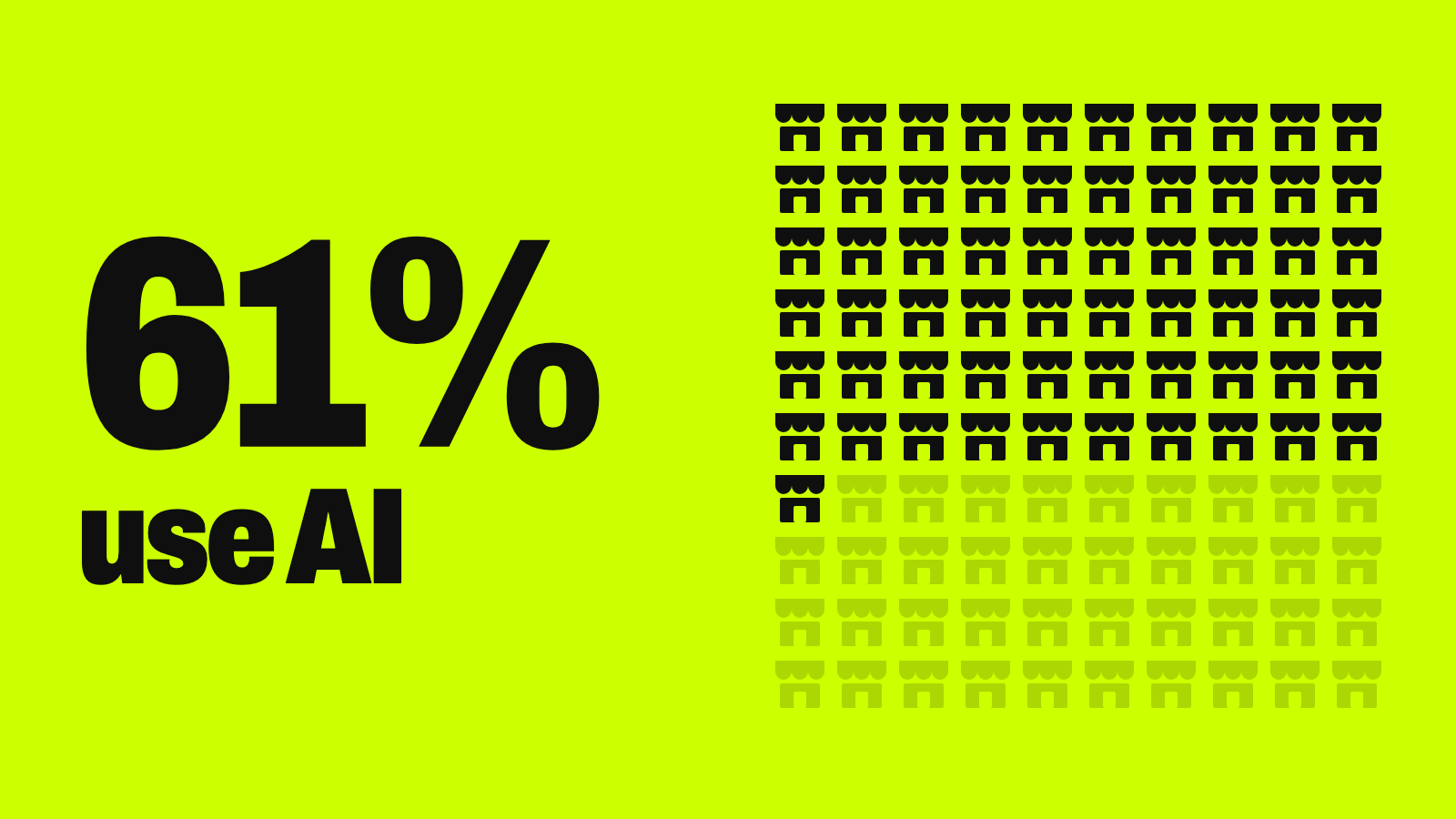
It’s still early for most businesses: the Census Bureau found that 19.8% of U.S. businesses were using AI as of May 2026.
What to plan for: AI automation isn’t just “traditional automation, but better.” It brings its own risks:
| Risk | What it means |
|---|---|
| Reliability | AI can be confidently wrong, especially with incomplete data — what NIST calls “confabulation” |
| Explainability | A learned model is harder to audit than a written rule |
| Data quality | Biased or inconsistent data leads to poor decisions |
| Security and privacy | Sensitive documents or prompts can expose confidential information |
| Drift | Accuracy can slip as real-world data changes — Google calls this concept drift |
| Too much autonomy | An AI agent with broad permissions can act beyond its task — OWASP’s “excessive agency” |
| Cost | Model usage, data prep, and oversight can outweigh savings on low-volume tasks |
| Regulation | Decisions on credit, employment, health, or insurance need accountable human review |
Watch out
Keep fixed rules — not AI — in charge of validation, approvals, payments, and anything compliance depends on. Rules are easier to audit and behave the same way every time, which is why most AI automation systems keep them for enforcement. See how this works in HR automation.
When to use traditional automation vs. AI automation
| Use traditional automation when… | Use AI automation when… |
|---|---|
| The process is stable and the rules are explicit | People must interpret text, images, audio, or other unstructured data |
| Inputs are structured and predictable | The process has many exceptions or edge cases |
| Exceptions are rare | Predictions or recommendations add real value |
| Auditability matters more than flexibility | Writing a rule for every case would be impractical |
| You want the cheapest, simplest thing to test | The volume justifies the cost of review and monitoring |
How to get started with AI automation
- Pick a high-volume process with measurable pain and manageable risk.
- Document how it works today, and remove steps you don’t need before automating anything.
- Use fixed rules wherever the requirements are clear.
- Add AI only to the steps that genuinely need interpretation or prediction.
- Set accuracy targets, fallback behavior, and a path to a person for uncertain cases.
- Pilot it on a small scale and measure time, cost, quality, and error rate.
- Add security, privacy, access controls, and ongoing monitoring.
- Expand only after it works reliably on real data.
Try this: label your process
Describe one process to any AI assistant and have it mark which steps are rules, AI, or a person’s call:
Here's a process I want to automate: [describe each step, who does it today, and what information they use]

Label every step with one of these:
- RULE: follows a fixed, written policy on structured data (amounts, dates, IDs, lists)
- AI: needs reading or interpreting text, documents, images, or speech
- PERSON: a mistake would be costly, or the decision needs someone accountable

Then:
1. Show the workflow as a numbered list with labels.
2. For each AI step, suggest a confidence threshold and what happens when the AI is unsure.
3. List the exceptions that should always go to a person.
4. Point out any step I could remove before automating anything.
Key terms
| Term | Meaning |
|---|---|
| Machine learning (ML) | Methods that learn patterns from examples instead of relying only on written rules |
| Large language model (LLM) | A generative model trained on language, used for reading and writing text |
| RPA (robotic process automation) | Software bots that work through applications in set, structured steps |
| Intelligent automation | A business term, often used interchangeably with AI automation, for combining RPA or workflow tools with AI; definitions vary by vendor |
| AI agents | Systems that pursue a goal, choose steps, and sometimes run multistep workflows with limited direct instruction |
| Human-in-the-loop | People review exceptions or approve high-impact decisions |
| Orchestration | Coordinating apps, models, rules, and people across a whole process |
| Guardrails | Technical and organizational controls that keep AI within safe, compliant limits |
Your next step
Map one process this week
- Pick one repetitive process with high volume.
- Write down every step, who does it, and what information they use.
- Label each step: rule, AI, or person.
- Automate the rule steps first; they’re cheaper and easier to test.
- Add AI to one interpretation step, with a review queue — and check the costs first.
Keep going
Business Prompted publishes practical guides, tool reviews, and workflows for people who run businesses. Explore more at businessprompted.com.
Common questions
How is automation different from artificial intelligence?
Automation carries out predefined tasks or rules. AI adds pattern recognition and decision-making so systems can handle variable or unstructured inputs. The two work together.
How is AI different from traditional programming?
Traditional programming needs explicit instructions for every case. Machine learning systems learn patterns from data and can handle new inputs they weren’t explicitly coded for.
Is AI automation the same as RPA?
No. RPA performs set software steps on structured data. AI can be layered on top to read documents, classify requests, or make recommendations, with RPA often doing the execution.
Does AI automation replace traditional automation?
Usually it extends it. Fixed rules stay best for validation, compliance, and calculations, while AI handles ambiguity and unstructured data. Most systems are hybrids.
Does AI automation make decisions on its own?
Not necessarily. Systems range from simple classification to multistep AI agents. High-impact workflows typically keep human approval, confidence thresholds, and escalation paths.
When should a business use traditional automation instead of AI?
When the process is stable, rules are explicit, inputs are structured, exceptions are rare, and auditability matters more than flexibility. It’s also usually cheaper and easier to test.
How do businesses make money with AI automation?
Mostly by reducing manual work, processing things like invoices or claims faster, or offering new services, such as agencies building automations for clients. Results vary, so run your own numbers before investing.
What is intelligent automation?
A term often used interchangeably with AI automation, usually meaning RPA or workflow tools combined with AI. Definitions vary by vendor, so ask what a provider means by it.
Sources & further reading
- AWS — Analyzing invoices and receipts with Amazon Textract
- Microsoft Learn — Introduction to desktop flows (Power Automate RPA)
- Google — Machine Learning Glossary: concept drift
- NIST — AI 600-1, Generative AI Profile
- OWASP GenAI Security Project — LLM06:2025 Excessive Agency
- U.S. Census Bureau — Large Firms With at Least 20 Employees Biggest AI Users (May 2026)
A note on risk: Results from automation projects vary by process, data, and execution, and nothing here guarantees a return. Decisions involving credit, employment, healthcare, insurance, or other regulated areas need review by qualified legal or compliance professionals.
Business Prompted guides are written for practical use and checked against the sources listed above. Read our editorial policy.