The bottom line
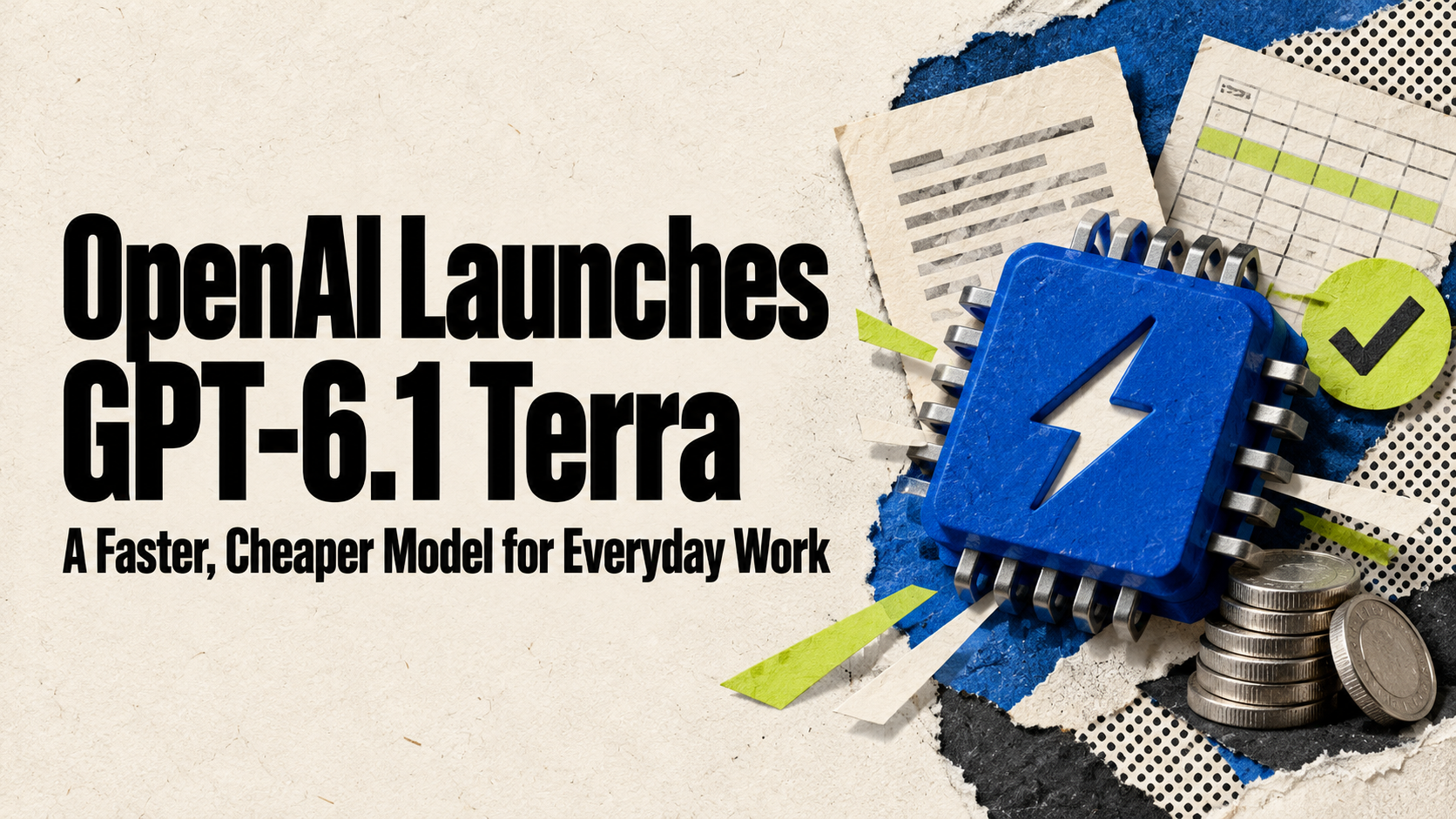
On October 26, OpenAI released GPT-6.1 Terra, a fast, lower-cost model built for everyday work: reading what’s on screen, operating apps, filling out forms, and writing clearer drafts. It’s rolling out now in ChatGPT Work and Codex for Plus, Pro, Business, Enterprise, and Edu users, and developers can use it through the API at half the price of OpenAI’s previous Terra model.
- Look for it in the model list inside ChatGPT Work or Codex. It isn’t available in regular Chat.
- OpenAI says your plan’s usage allowance stretches further with Terra than with its bigger models.
- In OpenAI’s own tests, factual errors dropped sharply compared with GPT-5.6 Terra.
- API pricing is $1 per million input tokens and $5 per million output tokens.
What OpenAI announced
“GPT-6.1 Terra means business,” OpenAI’s ChatGPT account posted on Monday. In its announcement, OpenAI describes Terra as a fast, efficient model that combines detailed visual reasoning and precise computer use with clearer, more natural writing. It’s a step up from GPT-5.6 Terra, pitched at the tasks that fill a normal workday:
- Drafting proposals and other business writing
- Interpreting technical drawings and other visuals
- Filling out forms
- Editing videos
“Computer use” means the model can understand what’s on a screen and take actions across apps — clicking, typing, and moving information from one place to another — rather than only answering questions in a chat window.
Terra sits in the middle of OpenAI’s current lineup. GPT-6 Astra is the most capable and most expensive model, GPT-6.1 Sol sits just below it, and GPT-6 Luna is the cheapest. Terra is meant to be the everyday workhorse between them.
Who can use it, and where
OpenAI’s announcement lists Plus, Pro, Enterprise, and Edu users. Business workspaces are getting it too: OpenAI’s ChatGPT Business release notes say Terra is rolling out to Business in the Work and Codex experiences included with each seat. A few details worth knowing:
- It’s in Work and Codex, not Chat. Select GPT-6.1 Terra from the model list in ChatGPT Work or Codex.
- Your plan limits don’t change. Business users get Standard or Fast mode where available, with the same default presets and overall plan limits as before. OpenAI says the same allowance covers more tasks with Terra than with GPT-5.6 Terra, and substantially more than with Sol or Astra.
- Admins still decide. On Business, access follows your seat and workspace permissions. If you don’t see it yet, the rollout may not have reached you, or your admin may need to allow it.
- Free and Go aren’t listed. OpenAI hasn’t announced Terra for its free or Go plans.
What OpenAI says it does better
These are OpenAI’s own benchmark results, not independent tests, so treat them as a guide rather than a guarantee:
| Area | What OpenAI reports |
|---|---|
| Fewer factual errors | On an internal test of error-inducing prompts, the error rate at low reasoning effort fell from 53.6% (GPT-5.6 Terra) to 16.7%. At maximum effort it fell to 4.3%. |
| Computer use | On a benchmark of professional computer tasks, Terra scored 15 points higher than GPT-5.6 Terra at about one-third the cost, and performed on par with GPT-6 Astra at one-tenth its price per token. |
| Speed | Completes tasks more than three times faster than GPT-6 Astra and GPT-6.1 Sol. |
| Coding | Solved 50.3% of command-line coding tasks at maximum effort, up from 21.5%. OpenAI says Sol and Astra are still the better choice for the most complex coding. |
OpenAI also says Terra is more likely to stay within the scope of a task and to tell you about limitations or blockers, and that it held up well in tests of malicious instructions planted to hijack an agent. That matters more for a model that can act in your apps.
What it costs to build with
For anyone running automations or custom tools on OpenAI’s API, Terra is the headline: OpenAI says its standard prices are 50% lower than GPT-5.6 Terra and GPT-6.1 Sol. The company’s own example is reading incoming invoices and entering the details into accounting software. Here’s where it sits on OpenAI’s pricing page:
Standard API prices from OpenAI’s pricing page, October 26, 2026. Batch processing halves Terra’s price to $0.50 input and $2.50 output.
| Model | Input (per 1M tokens) | Output (per 1M tokens) |
|---|---|---|
| GPT-6 Astra | $10.00 | $50.00 |
| GPT-6.1 Sol | $2.00 | $10.00 |
| GPT-6.1 Terra | $1.00 | $5.00 |
| GPT-6 Luna | $0.10 | $0.50 |
The model page lists the API name as gpt-6.1-terra, with a context window of just over 1 million tokens and up to 128,000 tokens of output. It’s also generally available through Amazon Bedrock and Microsoft Foundry, if your business already buys AI through AWS or Azure. For what these prices mean in a monthly budget, see our guide to AI costs.
How to try it this week
The best test is one real, repetitive task you already do by hand. Forms are a good start, because they play to Terra’s strengths in reading screens and documents:
Try this: fill out a form from a screenshot
In ChatGPT Work, select GPT-6.1 Terra, attach the form, and paste:
I'm attaching [a screenshot of a form / a PDF / a photo of a document].

1. List every field or item you can see, and what goes in each one.
2. Fill in what you can using only these details: [paste the facts — names, dates, amounts, addresses].
3. Mark anything you're unsure about or couldn't read with [CHECK].
4. Don't submit or send anything. Show me the completed version to review first.
Watch out
A model that can click and type in your apps can also make mistakes in them. Start with tasks where you review the result before anything is submitted, sent, or paid, and only connect the apps and accounts a task actually needs. OpenAI’s improved test results don’t replace a human check on anything involving money, customers, or legal documents.
If you’re thinking about automating a full process rather than a single task, our explainer on AI workflow automation covers where to put the human checkpoints.
Your next step
What to do now
- Open ChatGPT Work or Codex and check the model list for GPT-6.1 Terra.
- On a team plan, ask your admin to confirm it’s allowed in your workspace.
- Try it on one recurring task: a form, a proposal draft, or reading a document.
- Compare the result with your current model before switching your team over.
- If you build on the API, price your current workloads at Terra’s $1/$5 rate.
Keep going
Business Prompted publishes practical guides, tool reviews, and workflows for people who run businesses. Explore more at businessprompted.com.
Common questions
What is GPT-6.1 Terra?
A fast, lower-cost OpenAI model released October 26, 2026, designed for everyday work tasks like writing, reading visuals and documents, filling out forms, and operating apps on a computer.
Can I use GPT-6.1 Terra in regular ChatGPT?
It’s available in ChatGPT Work and Codex, not in regular Chat. Select it from the model list in either one.
Is GPT-6.1 Terra available on ChatGPT Business?
Yes. OpenAI’s Business release notes say it’s rolling out to Business workspaces in Work and Codex, subject to your workspace permissions.
Is GPT-6.1 Terra free?
OpenAI hasn’t announced it for the Free or Go plans. It’s included with Plus, Pro, Business, Enterprise, and Edu at no extra charge, within your plan’s usage limits.
How much does GPT-6.1 Terra cost in the API?
$1 per million input tokens, $0.05 per million cached input tokens, and $5 per million output tokens. Batch processing is half that.
Should I use Terra, Sol, or Astra?
OpenAI positions Terra for everyday, high-volume work where speed and cost matter. It says Sol and Astra remain better for the most complex coding tasks.
Sources & further reading
- OpenAI — Introducing GPT-6.1 Terra (Oct 26, 2026)
- ChatGPT on X — GPT-6.1 Terra launch post
- OpenAI Help Center — ChatGPT Business release notes
- OpenAI API — GPT-6.1 Terra model page
- OpenAI API — Pricing
- AWS — OpenAI GPT-6.1 Terra is now generally available on Amazon Bedrock
- Microsoft Tech Community — GPT-6.1 Terra now generally available in Microsoft Foundry
Business Prompted guides are written for practical use and checked against the sources listed above. Read our editorial policy.