The bottom line
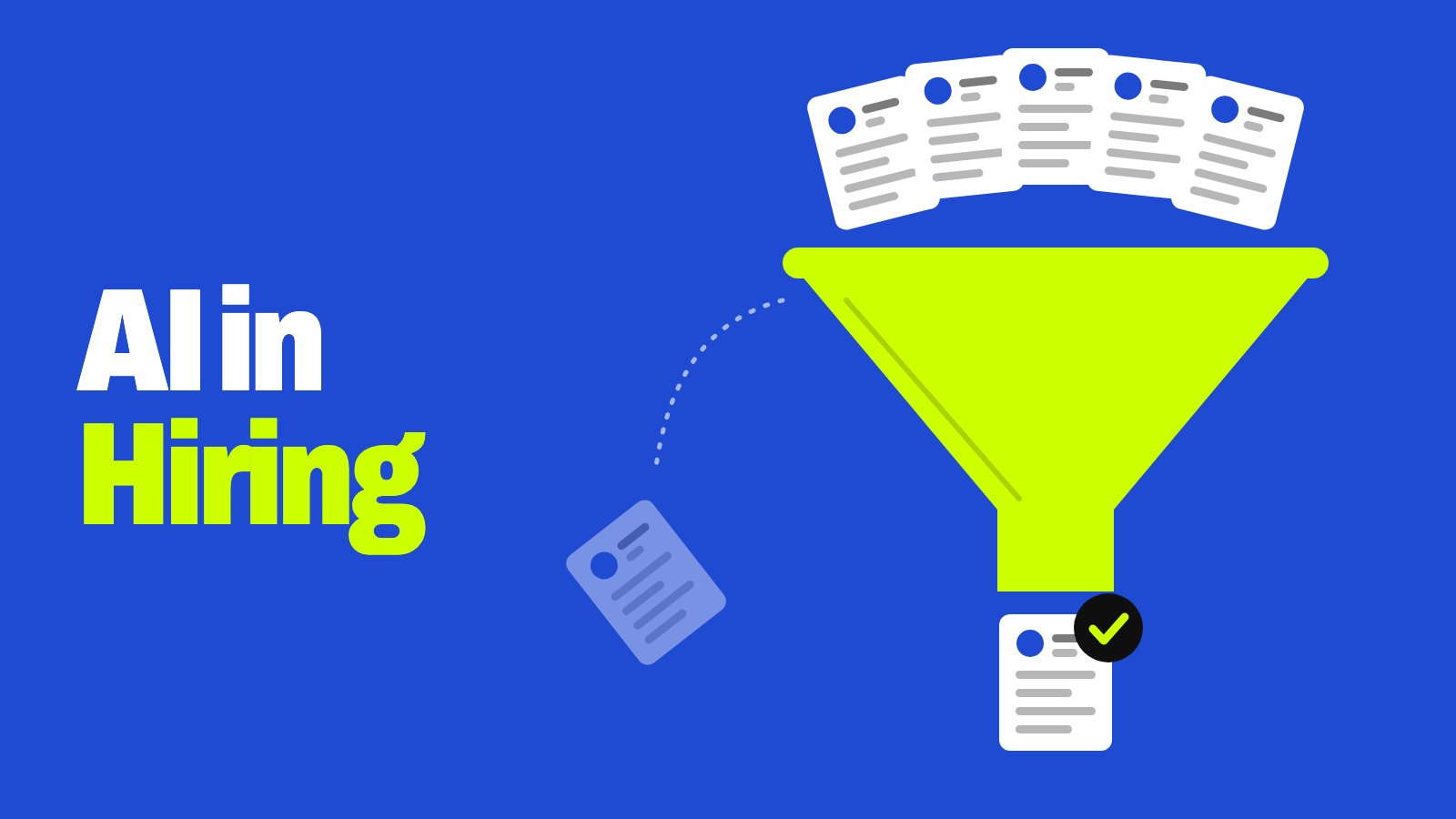
AI in HR and recruiting runs from low-risk support tools — drafting job posts, answering benefits questions, scheduling interviews — to higher-stakes tools that score résumés, rank candidates, or analyze interviews. The evaluation tools carry most of the bias, privacy, accessibility, and legal risk, and the employer stays responsible for every hiring decision, even when a vendor built the tool.
- Use AI freely for drafting and admin work; a person still makes the decision.
- Treat any tool that scores or screens out candidates as high-stakes: test it, disclose it, and keep a human in the loop.
- Rules differ by location — New York City, Illinois, California, Colorado, and the EU all have their own.
- Ask vendors about bias audits, accessibility, data retention, and whether your data trains their models.
How many employers use AI in HR?
Fewer than the hype suggests. SHRM’s research on the state of AI in HR, drawn from 1,908 HR professionals and summarized by SHRM in April 2026, found:
| Finding | SHRM 2026 |
|---|---|
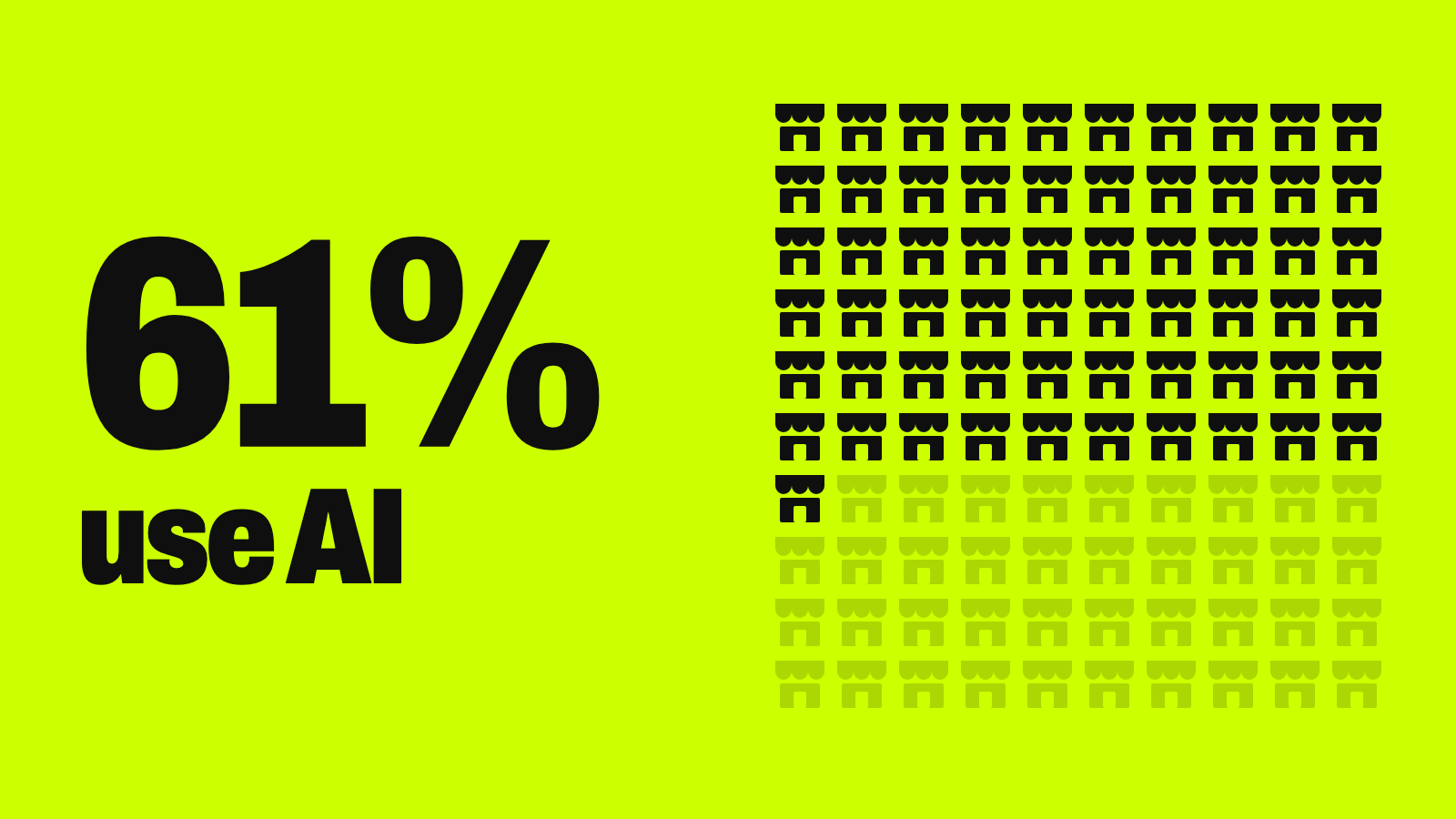
| Organizations using AI in HR | 39% (another 23% use AI elsewhere in the business; roughly a third use none) |
| Adoption at organizations with 5,000+ employees | 60% — smaller employers lag, often held back by cost, talent, and unclear return |
| Most common HR use | Recruiting: 27% of organizations apply AI in talent acquisition |
| Next most common | HR technology (21%) and learning and development (17%) |
| HR professionals reporting improved efficiency | 87% (75% report better work quality) |
| Organizations with a formal AI policy | Just under half |
Two findings stand out for employers. About half of HR professionals saw no improvement in decision-making from AI, even as efficiency rose. And at the time of the research, 19 U.S. states had passed AI-related workplace laws — yet 57% of HR professionals in those states didn’t know about them.
Small businesses are earlier still: in OnDeck’s latest survey, only 8.3% of small business AI users applied it to hiring or HR (see the full survey breakdown).
Two kinds of HR AI: support tools vs. evaluation tools
The most useful way to sort AI in HR is by what it does, not how advanced it sounds:
| Support and admin tools | Candidate evaluation tools | |
|---|---|---|
| Examples | Drafting job descriptions, sourcing searches, FAQ chatbots, interview scheduling, employee self-service, training recommendations | Résumé parsing and scoring, AI-scored assessments, video or voice interview analysis, candidate ranking, pay recommendations |
| What the AI does | Removes friction; a person makes the call | Shapes the decision — sometimes heavily |
| Risk level | Lower | Higher: bias, accessibility, and legal scrutiny concentrate here |
For step-by-step onboarding workflows — document collection, task routing, system setup — see our guide to HR process automation.
Examples of AI in HR and recruiting across the employee lifecycle
| Stage | AI example | What to watch |
|---|---|---|
| Recruiting | Drafting and standardizing job descriptions | Unrealistic or biased requirements if no one reviews them |
| Sourcing | Searching talent pools and ranking passive candidates | Repeating past hiring patterns, such as favoring certain schools or employers |
| Outreach | Generating recruiting messages | Generic or inaccurate messages that hurt your reputation |
| Screening | Parsing résumés for skills, education, and experience | Misreading nontraditional careers or employment gaps |
| Interviews | Scoring assessments or video interviews | Weak links between tone, expression, or pacing and actual job performance; can disadvantage disabled or neurodivergent candidates |
| Shortlisting | Ranking finalists for review | Ranking logic that neither recruiters nor candidates can see |
| Onboarding | Chatbots answering policy and benefits questions | Wrong answers and exposure of personnel data — the same handoff rules as AI customer service apply |
| Development | Recommending courses based on skill gaps | Only as good as the skills data behind it |
| Performance | Summarizing feedback for managers | Missing the context behind the numbers |
Benefits of AI in HR and recruiting
- Time back. AI drafts materials, handles routine scheduling, and organizes high applicant volumes faster than manual work — the efficiency gain 87% of HR AI users report.
- Consistency. Standard workflows reduce arbitrary differences in how candidates are contacted and organized.
- Skills-based hiring. Well-designed systems can surface transferable skills instead of relying only on degrees or job titles.
- More time for people. Automating routine tasks frees recruiters for interviews, relationships, and candidate communication.
None of this is automatic. The benefits depend on job-related criteria, representative data, and continued checking.
Risks of AI in HR and recruiting
Bias and discrimination
Hiring data reflects past decisions, including past discrimination. A model trained on it can repeat those patterns at scale. Bias can enter through the training data, through labels like “successful hire,” or through proxy variables — features like ZIP code, school, or career gaps that stand in for protected traits. Illinois now names this directly: its 2026 Human Rights Act amendment bars using ZIP codes as a proxy for protected classes.
Privacy and data protection
Recruiting systems can hold résumés, test results, interview recordings, and inferred personal traits. The risks are collecting too much, unclear vendor data-sharing terms, keeping data indefinitely, and letting a vendor train its models on applicant data. Decide what you actually need, who can see it, and how long you keep it — and check local record rules, since California requires keeping automated-decision data for four years.
Accessibility and disability
The U.S. Department of Justice’s ADA guidance on hiring technology says employers should examine these tools before use, and regularly while using them, to see whether they screen out people with disabilities who could do the job with or without reasonable accommodations. Its example: facial and voice analysis may screen out people with autism or speech impairments even when they’re qualified. Tests must measure job skills, not disabilities.
Explainability and human oversight
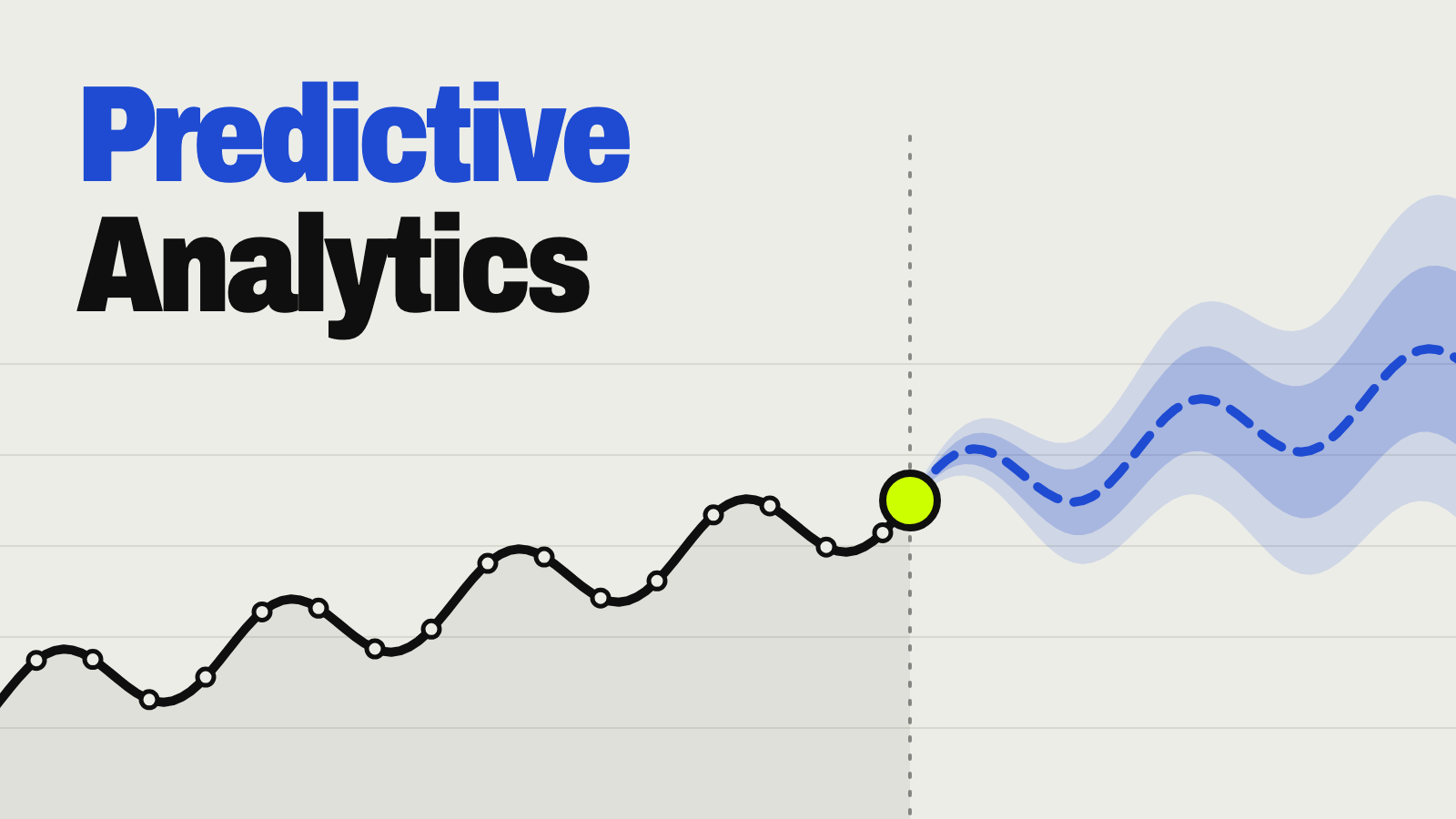
“Human in the loop” means little if the human approves every AI output without looking. Real oversight means a person reviews the reasons behind a rejection, can override the tool, and actually does sometimes. Ranking scores behave like any prediction — they produce false positives and false negatives, as our predictive analytics guide explains — so a score is a prompt to look closer, never a final answer.
The rules for AI in hiring, by location
Requirements vary by where you hire. This is a starting map as of November 5, 2026, not legal advice:
| Where | Rule | What it requires |
|---|---|---|
| U.S. (federal) | ADA, Title VII, and other anti-discrimination laws | Apply whether or not a decision is AI-assisted. DOJ’s ADA guidance covers screening out and accommodations |
| New York City | Local Law 144 | A bias audit within one year before using an automated employment decision tool, a public summary of the results, and notices to candidates or employees |
| Illinois | AI Video Interview Act | Before an AI-analyzed video interview: tell applicants how the AI works and what it evaluates, and get their consent; limits on sharing videos |
| Illinois | Human Rights Act amendment (effective Jan. 1, 2026) | Bars AI that has a discriminatory effect and ZIP codes as a proxy; requires notice when AI is used in employment decisions |
| California | Civil Rights Council regulations (effective Oct. 1, 2025) | Applies existing anti-discrimination law to automated-decision systems; keep related records four years |
| Colorado | SB26-189 (from Jan. 1, 2027) | Replaced the 2024 Colorado AI Act. Notice when automated tools help make employment decisions, an explanation after an adverse decision, and human review on request |
| European Union | AI Act, as amended by the Digital Omnibus | Recruiting and employment AI is “high-risk”; those obligations now apply from December 2, 2027 (moved from August 2026) |
Employers remain accountable for hiring decisions even when a vendor built the tool. Before you deploy or rely on AI hiring tools, talk to employment counsel who knows your locations.
Questions to ask before you use an AI hiring tool
Many small employers meet AI through features inside their applicant tracking system or job board, not a separate purchase. Either way, ask:
| Ask | Why it matters |
|---|---|
| What decision does this feature support, and can I turn off automatic rejections? | Keeps the tool inside a defined, lower-risk job |
| Has it had a bias audit, and can I see the results? | Required in New York City; good evidence everywhere |
| How does it handle accessibility and accommodation requests? | The ADA applies to the tools you use |
| What does it measure, and how is that tied to the job? | Tests must reflect job skills, not proxies |
| How long is applicant data kept, and is it used to train your models? | Controls privacy and retention exposure |
| Can I see why a candidate was ranked or rejected? | You may need to explain or review a decision |
Try this: check a job posting before it goes live
The lowest-risk place to start with AI in hiring is the posting itself:
Here's a job posting for a [role] at a small [type of business]: [paste the posting — no candidate information]

1. List the requirements that are truly essential to doing this job, and the ones that may be nice-to-have.
2. Flag any requirement that could screen out qualified people without being job-related — for example, degree requirements, years of experience, physical requirements, or language like "digital native" or "young and energetic."
3. Rewrite the posting around the skills and outcomes the job actually needs, in plain language.
4. Add one sentence telling applicants how to request an accommodation during hiring.

Don't invent pay, benefits, or company details — mark anything I need to fill in with [brackets].
Watch out
Don’t paste candidates’ résumés, names, or personal details into a general-purpose AI chatbot. Keep applicant data inside the hiring tools you’ve vetted, and check whether those tools use your data for training.
Key terms
| Term | Meaning |
|---|---|
| ATS (applicant tracking system) | Software that collects and manages job applications |
| AEDT (automated employment decision tool) | New York City’s term for a tool that substantially assists or replaces discretionary hiring or promotion decisions |
| Adverse impact | A substantially different selection rate for a protected group, whatever the intent |
| Proxy variable | A feature that stands in for a protected trait, like ZIP code for race |
| Bias audit | A structured comparison of a tool’s outcomes across demographic groups |
| Human in the loop | A person takes part in the decision — which alone doesn’t prove real oversight |
| Skills-based hiring | Hiring on demonstrated ability rather than degrees or titles alone |
Your next step
Put basic guardrails in place this month
- List every hiring and HR tool you use and note which features score, rank, or reject people.
- Require a person to review every rejection that a tool recommends.
- Tell candidates when AI is used and how to request an accommodation or a human review.
- Ask your vendors the questions above and keep their answers on file.
- Check the rules where you hire, and recheck them yearly — they’re changing fast.
Keep going
Business Prompted publishes practical guides, tool reviews, and workflows for people who run businesses. Explore more at businessprompted.com.
Common questions
How is AI used in HR?
Across the employee lifecycle: sourcing, screening, interview scheduling, onboarding support, employee-service chatbots, and training recommendations. The uses split into support tools (lower risk) and tools that score or rank candidates (higher risk).
How common is AI in HR?
SHRM’s 2026 research found 39% of organizations use AI in HR, with recruiting the most common use at 27%. Large employers adopt it far more often than small ones.
Is AI hiring people on its own?
Rarely. Most systems recommend, score, or rank candidates, and a person makes the final call — but the human review needs to be real, not a rubber stamp.
Is using AI in hiring legal?
Generally yes, but anti-discrimination and disability laws still apply, and some places add rules: New York City requires bias audits, Illinois requires notice and consent for AI video interviews, and California and Colorado have their own requirements. Employers stay accountable even when using vendor tools.
Should employers tell candidates they use AI?
Yes. It’s required in some places and good practice everywhere. Say what the tool does, whether a person reviews its output, and how to request an accommodation.
Can AI remove bias from hiring?
No. It can reduce some inconsistency, but it can also encode and scale past bias through proxy variables. What matters is whether a specific tool is tested for adverse impact and monitored over time.
Are HR jobs at risk from AI?
Tasks like scheduling, drafting, and first-pass screening are changing more than whole roles. HR work is shifting toward overseeing and checking AI outputs.
What should a candidate do if AI rejects them?
Ask whether automated tools were used, request an accommodation if a disability may be involved, ask for human review, and keep records. Rights vary by location — in Colorado, a right to human review on request starts in 2027.
Sources & further reading
- SHRM — AI in HR 2026: From Hype to Measured, Human-Centered Impact (April 2026)
- U.S. Department of Justice — Algorithms, Artificial Intelligence, and Disability Discrimination in Hiring
- NYC Department of Consumer and Worker Protection — Automated Employment Decision Tools
- Illinois General Assembly — Artificial Intelligence Video Interview Act (820 ILCS 42)
- Illinois General Assembly — Public Act 103-0804 (Human Rights Act amendment)
- California Civil Rights Department — Regulations on automated-decision systems in employment
- Colorado General Assembly — SB26-189, Automated Decision-Making Technology
- EU AI Act Explorer — Digital Omnibus on AI, Regulation (EU) 2026/1744
A note on risk: This guide is general information, not legal advice. Employment, privacy, and AI rules vary by state, city, and country and are changing quickly. Consult qualified employment counsel before deploying or relying on AI tools in hiring or other employment decisions.
Business Prompted guides are written for practical use and checked against the sources listed above. Read our editorial policy.