The bottom line
Yes, AI can save a business money — but not automatically. AI usually creates time savings and extra capacity before it produces measurable cost savings. Real savings show up only when that freed-up time turns into avoided hires, less overtime, cancelled tools, or more output — and only after subscription, setup, training, and review costs are counted.
- Hours saved × wages isn’t a cash saving until spending actually goes down.
- Apply a realization rate — the share of time saved that becomes real value. Start around 50–60%.
- Count the full cost: setup, data cleanup, training, monitoring, and people’s review time.
- Prove it with one measured pilot before rolling AI out widely.
The short version: what the data actually shows
| Finding | Source |
|---|---|
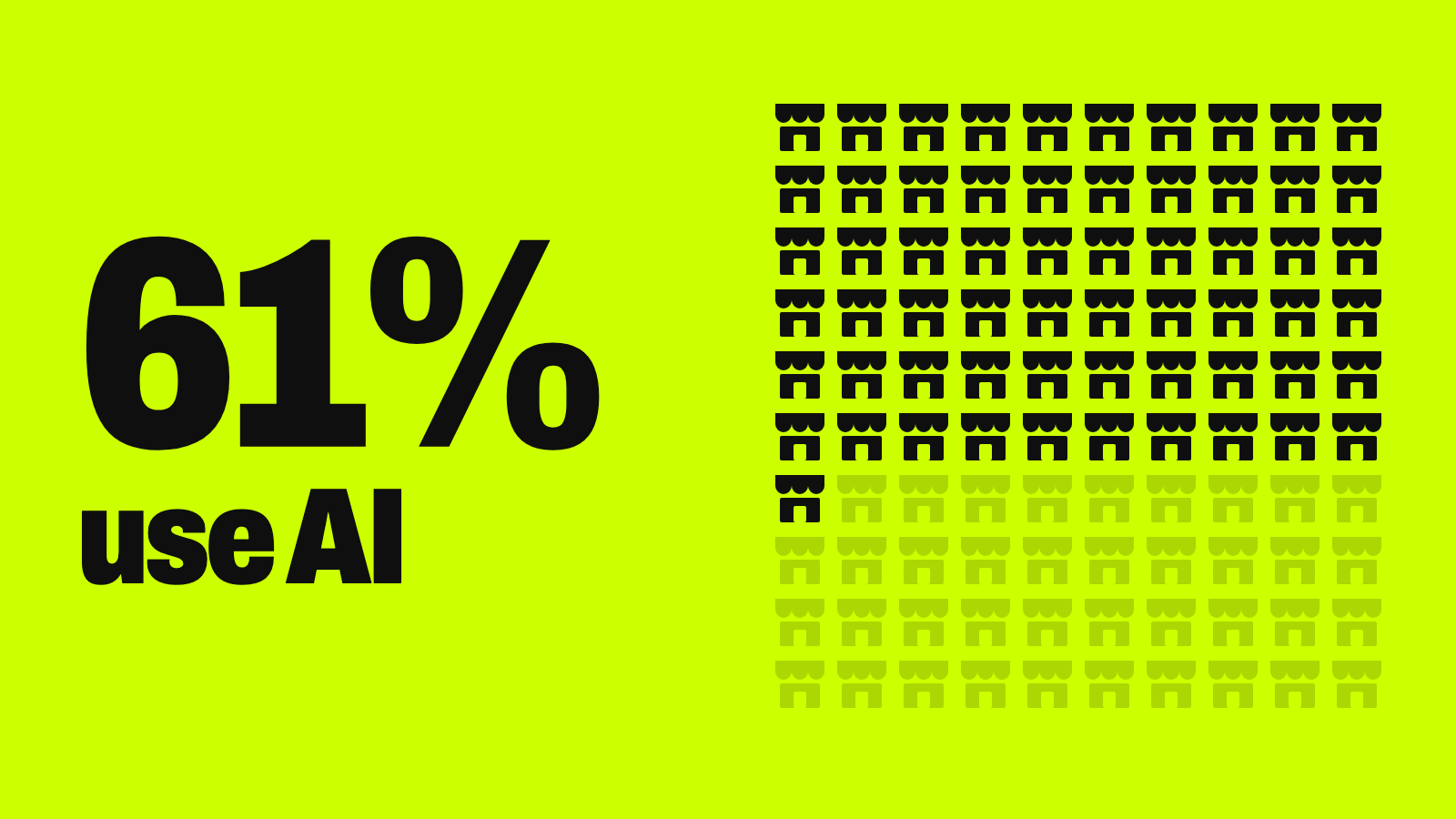
| 39% of respondents attributed any profit (EBIT) impact to AI, and most of them said it was under 5% of EBIT | McKinsey, November 2025 |
| Cost benefits from individual AI uses show up most in software engineering, manufacturing, and IT | McKinsey, November 2025 |
| 37% attributed some EBIT impact to AI — about the same as a year earlier | McKinsey, August 2026 |
| 84% of organizations investing in AI said they’re gaining ROI; on average 36% of digital-initiative budgets now go to AI | Deloitte Tech Value Survey, 2025 |
| Most reached satisfactory ROI on a typical AI use case in two to four years — versus 7 to 12 months for typical tech investments; only 6% saw payback in under a year | Deloitte AI ROI study, 2025 |
| “Little evidence that AI usage has meaningfully affected the total number of employees or costs” | Atlanta Fed survey of 700+ executives, March 2026 |
| Most regional firms call their AI investment minimal to modest, and only 4% of service firms laid off workers because of AI | New York Fed, September 2026 |
| 73% of AI-using small businesses spend under $100 a month on AI or use free tools | Goldman Sachs, October 2026 |
The picture is mixed. AI often improves productivity, but bottom-line savings require redesigning work and managing costs — not just buying a tool. The Atlanta Fed found executives were more motivated by efficiency and productivity than by cutting costs, which fits: most early gains show up as capacity, not smaller budgets.
Time saved, cash saved, and capacity — why they’re not the same
This is the most important distinction in any honest AI business case, and it’s where most back-of-napkin numbers fall apart.
| What it means | Examples | |
|---|---|---|
| Cash saving | Money you would have spent no longer gets spent | Not making a planned hire; cutting contractor or overtime hours; cancelling a tool AI replaces; fewer refunds or rework |
| Capacity | Freed-up time that hasn’t been converted into money yet | An agent gets 90 spare minutes a day on the same salary; a marketer drafts twice as many posts with the same team |
Capacity is valuable. It can become more sales, faster service, or avoiding a future hire. But it isn’t a line you can cross off your P&L until someone deliberately converts it. Many AI pitches multiply “hours saved” by “hourly wage” and call it savings. If the person stays on payroll and the time isn’t redirected, the cash impact is zero — which is consistent with what the Federal Reserve surveys above found.
The worked example below fixes this with a realization rate: a discount on theoretical time savings that reflects how much actually becomes usable, bankable value.
Where AI actually reduces costs, by function
| Function | Where savings come from | What can erase them |
|---|---|---|
| Customer support | Lower cost per ticket, shorter handling time, fewer escalations, longer coverage without more staff (see our support guide) | Wrong answers or poor escalation driving refunds and churn |
| Software and IT | Code generation, tests, documentation, internal help desk — where McKinsey says cost benefits are most often reported | Review, security testing, and debugging time |
| Marketing and content | Faster drafting and repurposing | Editing, brand review, and legal approval |
| Operations and logistics | Better forecasting, inventory, scheduling, and routing | Poor data quality and narrow deployment |
| Back office and bookkeeping | Document extraction, invoice processing, data entry — usually the clearest payback (see AI in accounting) | Messy records and exception handling |
For tool prices and plan comparisons, see our guide to AI costs for small business. This article focuses on savings and ROI.
The full cost picture: what to count before you calculate savings
A real estimate goes well beyond the subscription — that’s the point of a total cost of ownership (TCO) view.
| Direct costs | Hidden costs |
|---|---|
| Subscriptions or usage-based API fees | Time spent testing and correcting outputs |
| Cloud computing and storage | Duplicate work when results aren’t reliable |
| Setup and integration | Disruption while the workflow changes |
| Data cleanup and migration | Vendor lock-in and price changes |
| Security and access controls | Data leakage or IP exposure |
| Legal, compliance, and insurance | Regulatory and reputational risk |
| Training | Compensating customers for AI errors |
| Ongoing monitoring and support |
AI is no longer a minor line item: in Deloitte’s 2025 survey, organizations put an average of 36% of their digital-initiative budgets toward AI.
Worked example: a before-and-after AI ROI calculation
A hypothetical, illustrative model — not a guarantee of results for any business.
A customer-support team is considering an AI assistant to cut handling time.
| Input | Value |
|---|---|
| Support agents | 5 full-time |
| Fully loaded cost per agent | $60,000 a year |
| Total annual labor cost | $300,000 |
| Handling-time reduction from AI | 25% |
| Realization rate | 60% |
| Annual AI subscription | $18,000 |
| Annual monitoring and maintenance | $6,000 |
| One-time setup and training | $12,000 |
| Step | Calculation | Result |
|---|---|---|
| 1. Theoretical capacity released | $300,000 × 25% | $75,000 |
| 2. Realized savings | $75,000 × 60% realization | $45,000 |
| 3. Recurring AI costs | $18,000 + $6,000 | $24,000 a year |
| 4. Recurring net benefit | $45,000 − $24,000 | $21,000 a year |
| 5. First-year net benefit | $21,000 − $12,000 one-time | $9,000 |
| 6. First-year ROI | $9,000 ÷ $36,000 total first-year cost | 25% |
| 7. Payback on the one-time cost | $12,000 ÷ ($21,000 ÷ 12 months) | About 7 months |
The 60% realization rate accounts for review time, uneven ticket complexity, and the fact that staffing can’t change overnight. Under these assumptions, year one produces a modest gain, and year two looks better once the $12,000 setup cost is behind you ($21,000 net).
The realization rate is the biggest lever. At 80%, realized savings rise to $60,000 and first-year net benefit to $24,000. At 30%, realized savings fall to $22,500 and the first year loses $13,500. Notice that even the 7-month payback here is much faster than the two to four years Deloitte found for a typical AI use case — a reminder that real projects often take longer than models suggest.
The case gets stronger if the company avoids hiring another agent, absorbs ticket growth without adding staff, cuts outsourcing or overtime, or redirects freed time to upsells and retention. It gets weaker if freed time sits unused, AI output needs heavy correction, or integration runs over budget.
The ROI formula you can reuse
Labor savings = hours saved × fully loaded hourly cost × realization rate
Net benefit = labor savings + revenue contribution + avoided losses − AI operating costs − implementation costs − risk and quality costs
ROI = net benefit ÷ total AI investment
Treat the realization rate as a deliberately conservative placeholder — 50–60% is a reasonable starting assumption for a first pilot — and replace it with real numbers once you have pilot data.
Try this: build your own ROI estimate
Paste this into any AI assistant with your numbers; it will show its math so you can check it:
Help me build a conservative ROI estimate for one AI project. Show every calculation.

The task: [e.g., answering routine support tickets]
People involved: [number] at a fully loaded cost of [$ per year each]
Expected time reduction on this task: [%] — my guess; I'll test it in a pilot
Realization rate: start at 50% unless I give you pilot data
Annual tool cost: [$]
One-time setup and training: [$]
Annual monitoring and review time: [$ or hours × rate]

Calculate:
1. Theoretical capacity released
2. Realized savings after the realization rate
3. First-year net benefit and ROI
4. Payback period for the one-time costs
5. The same numbers at a 30% and an 80% realization rate

Then tell me what would have to be true for the savings to become real cash (avoided hires, cut overtime, cancelled tools), and flag any assumption that looks optimistic.
How to measure one AI pilot without guessing
- Set a baseline first. Record cost per ticket, handling time, error rate, or output for two to four weeks before turning anything on.
- Pick three to five metrics and don’t change them mid-pilot: cost per unit, error or rework rate, time to resolution, realization rate, and customer satisfaction or escalations.
- Compare against a control. Where possible, compare an AI-assisted team or period with a non-AI one, so seasonal swings don’t get credited to AI.
- Set your go/no-go bar in advance — for example, “a realization rate above 50% and no rise in escalations.” Deciding after you see the results invites bias.
Common mistakes that erase AI savings
- Counting time saved as payroll saved, with no plan to actually cut spending or redeploy the time.
- Ignoring review time. Checking and correcting AI output is real labor that offsets the raw time savings.
- Skipping the pilot. Without a baseline or comparison, you can’t tell whether results came from AI. Over-automating — for example, deflecting too many support requests — can hurt satisfaction and revenue, which is exactly what a measured pilot catches.
Watch out
Be skeptical of vendor claims of large, universal savings like “cut costs 30%.” Savings figures are specific to a workflow, a dataset, and a team. Ask how the number was measured, over what period, and whether it counted review and setup time. If you’re still deciding where AI fits, start with AI for small business.
Your next step
Build your first AI business case
- Pick one costly, repetitive workflow and record a two-to-four-week baseline.
- List every cost: subscription, setup, training, monitoring, and review time.
- Run the ROI prompt above at 30%, 50%, and 80% realization.
- Write down how freed time will become cash: an avoided hire, less overtime, or a cancelled tool.
- Decide your go/no-go threshold before the pilot starts.
Keep going
Business Prompted publishes practical guides, tool reviews, and workflows for people who run businesses. Explore more at businessprompted.com.
Common questions
How does AI reduce costs?
Mainly by cutting time on repetitive work — support tickets, drafting, data entry — and by improving forecasting and scheduling. The saving becomes real only when freed time turns into lower spending.
Is there a “30% rule” for AI savings?
No official one. Savings figures like 20–30% come from specific workflows and shouldn’t be treated as a standard outcome for your business.
Does AI always reduce headcount?
No. An Atlanta Fed survey of more than 700 executives found little evidence that AI has meaningfully changed total employment or costs, and the New York Fed found layoffs due to AI remained uncommon.
Is a productivity gain the same as a cost saving?
No. A productivity gain means more output with the same resources. A cost saving means spending goes down. Avoiding a future hire is real value, but track it separately from cutting current costs.
Which AI projects pay back fastest?
High-volume, low-complexity tasks: support triage, document extraction, meeting summaries, and code assistance. In Deloitte’s 2025 survey, 45% expected a return from basic automation within three years.
How large can AI savings realistically be?
There’s no universal figure. In McKinsey’s 2025 survey, 39% reported any profit impact from AI, and most of them said it was under 5% of EBIT.
What’s the biggest mistake in calculating AI ROI?
Treating theoretical time saved as immediate payroll savings, without a realization-rate discount or a plan to turn that time into lower spending or new revenue.
How do I know if my AI pilot is working?
Set a baseline before you start, track three to five fixed metrics, compare against a control where you can, and decide your go/no-go threshold in advance.
Sources & further reading
- McKinsey — The state of AI in 2025: Agents, innovation, and transformation (Nov 5, 2025)
- McKinsey — The State of AI: Global Survey 2026 (Aug 25, 2026)
- Deloitte — AI and tech investment ROI (2025 Tech Value Survey)
- Deloitte — AI ROI: The paradox of rising investment and elusive returns (2025)
- Federal Reserve Bank of Atlanta — How might AI change the workplace? (Mar 25, 2026)
- Federal Reserve Bank of New York — Businesses are using AI to transform work, not cut jobs (Sep 2026)
- Goldman Sachs 10,000 Small Businesses — The AI Economy Is a Small Business Economy (Oct 2026)
A note on risk: Results vary by industry, workflow, data quality, and execution. The figures in this article are illustrative, not guaranteed outcomes. Before committing significant budget to AI, consult qualified financial, tax, or legal professionals as appropriate, and scrutinize vendor savings claims the way you would any other capital investment.
Business Prompted guides are written for practical use and checked against the sources listed above. Read our editorial policy.