The bottom line
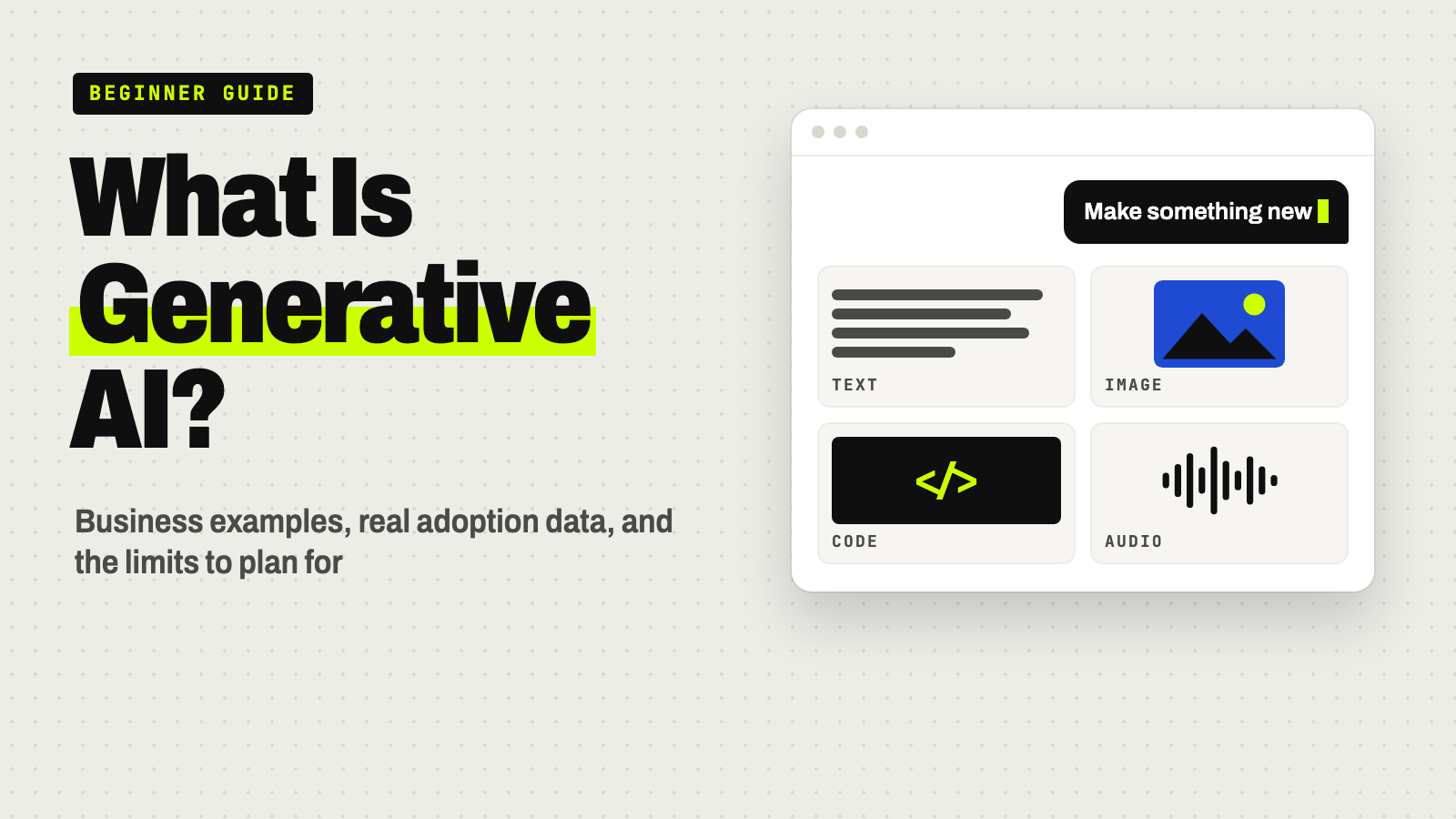
Generative AI is a type of artificial intelligence that creates new content — text, images, code, audio, or reports — based on patterns learned from training data and the instructions in a prompt. Unlike predictive AI, which forecasts or classifies, generative AI produces original output. Businesses use it for drafting, customer service, and reporting, with human review still required.
- It generates new content; it doesn’t look up verified facts, so it can be confidently wrong.
- Output quality depends on the context you give it, including your own documents.
- Most organizations surveyed by McKinsey use AI, but far fewer report a measurable profit impact.
- The main risks are errors, data exposure, bias, security, and copyright uncertainty.
- Start with internal drafting and summaries, with a named person reviewing everything.
What generative AI actually creates
Generative AI produces new content instead of finding or sorting existing content. That’s the core difference between it and a search engine or a simple automation script.
| Output | Business examples |
|---|---|
| Text | Emails, proposals, summaries, reports, marketing copy |
| Images | Illustrations, product mockups, edited photos |
| Audio and video | Voiceovers, video drafts, narrated transcripts |
| Software code | Functions, scripts, bug fixes, test cases |
| Synthetic data | Artificial datasets for testing software or training other models |
Most of these tools run on foundation models — large models trained on broad data, then adapted for specific tasks. The best-known kind is the large language model (LLM), which generates and analyzes text. Image and audio tools often use diffusion models or generative adversarial networks (GANs). Most of today’s language systems are built on the transformer, an architecture introduced in a 2017 research paper.
How it differs from search and automation
A search engine retrieves pages that already exist. A rules-based script follows fixed if-then instructions. Generative AI does neither: it generates a new sequence of words, pixels, or code each time, based on patterns learned in training. That’s also the catch. It isn’t retrieving a verified fact; it’s predicting what a plausible answer looks like, so it can be wrong in ways a lookup never would be.
Why your inputs shape the output
“Garbage in, garbage out” still applies. A model trained on broad internet data gives broad, generic answers. Ask about your pricing, client history, or internal policy and it has no way to know unless you provide that information or connect it to a source.
That connection has a name: retrieval-augmented generation (RAG). RAG pairs a generative model with a search of your organization’s own documents — policies, manuals, past proposals — so the system looks up current, company-specific information before it answers. It’s one of the main ways businesses cut factual errors.
That’s also why two companies using the identical tool can get very different results. It comes down to:
- Whether the tool is connected to accurate, current company data
- How specific and well-structured the prompts are
- Whether someone reviews and refines the draft
- Whether the task suits the model — drafting and summarizing, yes; precise calculations or legal certainty, no
Try this: give it context, not just a request
This prompt shows the habit that makes the biggest difference: supply the facts, forbid guessing, and ask for a list of claims to check:
You're helping me write a first draft. Use only the facts I give you below. If something is missing, write [CHECK: what's missing] instead of guessing.

What I need: [e.g., a one-page proposal for a new client]
Who it's for: [client name, industry, what they care about]
Facts to use: [scope agreed on the call, timeline, price, team, past results you can verify]
Tone: [e.g., plain, confident, no jargon]
Template or example to follow: [paste a past version you were happy with]

After the draft, list every number, name, and claim you used, so I can check each one before sending.
Generative AI vs. predictive AI vs. traditional software
| Input | Output | Example use | |
|---|---|---|---|
| Traditional software | Fixed rules, structured data | A predetermined action | Invoice calculation, scheduling |
| Predictive AI | Historical data | A score, forecast, or category | Fraud detection, churn prediction, sales forecasting |
| Generative AI | A prompt, plus training data and any connected data | New content | Draft proposal, customer reply, report summary |
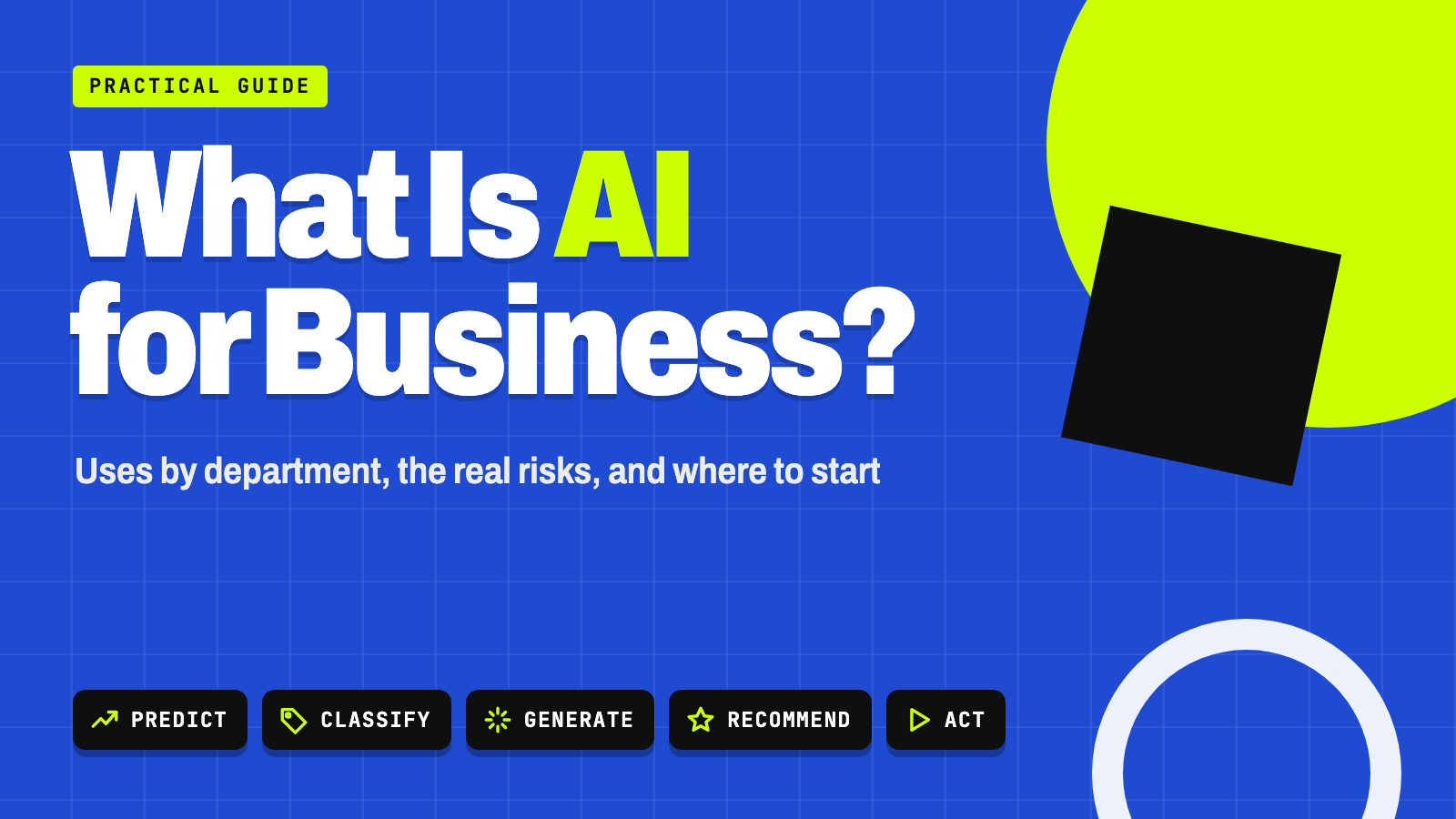
Predictive AI answers “what’s likely to happen?” from existing data. Generative AI answers “create something new.” Many businesses already use predictive tools without calling them AI — a churn-risk score or a demand forecast is predictive AI. Generative AI is the newer layer that produces content on demand. For the full picture of how both fit into a business, see what AI for business means.
Generative AI business examples
The scenarios below are hypothetical examples for illustration, not case studies of a specific company.
Drafting a client proposal
A small consulting firm needs a proposal for a prospective client. An employee gives the AI tool the client’s industry, the scope discussed on a call, and a past proposal as a template. The tool drafts a first version with structure, timeline, and pricing. Then a person checks the pricing, confirms the scope matches the call, adjusts the tone, and removes any placeholder or invented details. The AI removes the blank page; it doesn’t replace the person who knows the client and the numbers.
Customer service replies and ticket summaries
A retailer’s chatbot answers routine questions — order status, returns, store hours — from a connected knowledge base, which is RAG in action. For a damaged shipment and a refund dispute, the bot summarizes the customer’s history and hands the conversation to a person, who reviews the summary before replying. The value is speed on routine volume, not full automation. Our guide to generative AI for customer support walks through the setup.
Meeting summaries and internal reports
A sales manager records a client call. An AI tool transcribes it, summarizes the key points and action items, and drafts a CRM entry. The manager checks the summary for misattributed commitments or misheard numbers before saving it. See how to turn meeting notes into action items and our worked data analytics example.
Other common uses by function
- Marketing and sales: ad copy, email campaigns, personalized messages, campaign ideas
- Software development: code generation, bug explanations, tests, documentation
- Research and product development: summarizing technical reading, exploring design concepts, synthetic test data
- Operations: searching policies and manuals, drafting reports, extracting invoice data
- Finance, legal, and HR: draft financial commentary, contract review support, interview guides, policy Q&A
In McKinsey’s 2026 survey, revenue gains from AI were most often attributed to marketing and sales, followed by product and service development and software engineering.
How many businesses use generative AI
McKinsey’s global surveys are the most-cited source. Each edition asks slightly different questions, so here’s what each one found and when:
| Finding | Share | Source |
|---|---|---|
| Organizations regularly using generative AI in at least one function (up from 65% in early 2024) | 71% | McKinsey, March 2025 (surveyed July 2024) |
| Generative AI users creating text / images / code | 63% / more than a third / more than a quarter | McKinsey, March 2025 |
| Organizations regularly using any AI in at least one function (up from 78%) | 88% | McKinsey, November 2025 (surveyed mid-2025) |
| Respondents who say AI is enabling innovation | 64% | McKinsey, November 2025 |
| Respondents attributing any enterprise profit (EBIT) impact to AI | 37% | McKinsey, August 2026 |
Read these carefully. Responses are self-reported, and “regularly using AI” can mean anything from one team running a pilot to AI built into core operations. The real story is the gap between widespread use and the roughly one-third who report any profit impact. McKinsey’s 2026 report points to what separates the leaders: nearly three-quarters of its high performers fundamentally redesigned workflows around AI, compared with one-quarter of everyone else. Adoption alone doesn’t move the bottom line; changing how the work gets done does. Our guide to AI workflow automation covers what that looks like.
Key benefits of generative AI for business
- Faster first drafts. Emails, reports, and code get to a starting point sooner, especially for repetitive, pattern-based writing.
- Expert-style help on demand. People without specialized training can get a usable first pass at writing, basic code, or data summaries in plain language.
- Personalization at scale. Tailored messages and support replies for many customers, without writing each one by hand.
- Faster prototyping. Teams can try more ideas, drafts, and design variants at lower cost.
- Less tedious work. In McKinsey’s 2026 survey, eight in ten respondents said AI had improved their own productivity.
Limits and risks business owners must plan for
NIST’s Generative AI Profile defines the risks that are new to or made worse by generative AI, and lays out actions to govern, map, measure, and manage them. The ones most relevant to a business:
Factual errors (“hallucinations”)
NIST calls this confabulation: “confidently stated but erroneous or false content.” Models can invent statistics, citations, and calculations in fluent prose. Check every fact, figure, name, and citation before it goes anywhere external.
Confidentiality and data privacy
Pasting client data, financials, or internal documents into an unapproved tool can expose them. Settings matter: OpenAI, for example, says it may use content from its Free, Plus, and Pro ChatGPT plans to train its models unless you opt out, while ChatGPT Business, Enterprise, and its API aren’t used for training by default. Decide which tools and plans are approved, which data is off-limits, and tell your team.
Bias and unfair outcomes
Models can reflect bias in their training data. That’s a real risk in hiring, lending, pricing, or any process that affects people differently. Higher-stakes uses need documented human oversight.
Security
NIST notes that generative AI is itself vulnerable to attacks like prompt injection and data poisoning, and that it can make phishing and other attacks easier to run. Deepfakes are a related concern. Don’t assume default settings are safe, especially once a tool is connected to your email, files, or other systems.
Copyright and IP
Questions about training data, ownership of AI-generated output, and outputs that resemble existing work are still being worked out; the U.S. Copyright Office has published a multi-part report on these issues. Keep records of the tools used, what went in, and what people changed, and get an IP attorney’s view for anything high-stakes.
Inconsistent output
The same prompt can produce different answers, and small wording changes can shift results. Many models also can’t reliably explain why they produced an answer, which complicates quality control in regulated work.
Watch out
“Human review” has to mean someone actually checking facts, tone, and appropriateness — not a glance that rubber-stamps the draft. NIST lists automation bias and over-reliance among the risks: the tendency to trust a confident-sounding system too readily. For anything customer-facing, financial, legal, or HR-related, assign a specific reviewer.
How to evaluate and deploy generative AI responsibly
Before adopting a tool for a task, work through this checklist, adapted from the risk-management approach in NIST’s Generative AI Profile:
| Question | What to decide |
|---|---|
| Purpose | What specific problem are you solving? |
| Data | Is the source information accurate, current, and approved for this use? |
| Risk | What happens if the output is wrong? |
| Human role | Who reviews and approves the output, and are they accountable for it? |
| Security | Could prompts, outputs, or connected data be manipulated or exposed? |
| Cost | Do the time savings outweigh tool, setup, and review costs? See typical AI costs. |
| Governance | Is there a policy on approved tools, data handling, and what to do when something goes wrong? |
Low-risk starting points: internal drafting, document summaries, and research support, where a person reviews everything before it leaves the building. Higher-risk uses: legal documents, HR decisions, financial reporting, and anything involving regulated data. Those need tighter controls, more review, and often legal or compliance input first.
Your next step
Try generative AI safely this week
- Pick one internal writing task you repeat every week.
- Use an approved tool and plan, and keep client and personal data out of it.
- Use the context prompt above so the AI marks what it doesn’t know.
- Have a named person check every fact and figure before anything is shared.
- Write a one-page policy on approved tools and off-limits data — our guide to starting with AI at work covers what to include.
Keep going
Business Prompted publishes practical guides, tool reviews, and workflows for people who run businesses. Explore more at businessprompted.com.
Common questions
Is generative AI the same as artificial intelligence?
No. AI is the broad field, including systems that predict, classify, optimize, and generate. Generative AI is the part focused on creating new content.
How is generative AI different from predictive AI?
Predictive AI analyzes existing data to forecast or classify, like a sales forecast or fraud score. Generative AI produces new content, such as text, images, or code, in response to a prompt.
How can generative AI help a small business?
It can draft marketing copy, summarize customer conversations, prepare first-draft reports and proposals, and answer routine customer questions. A person still needs to review the output.
Why does generative AI make factual mistakes?
These models are built to produce plausible, fluent text, not to verify truth. Errors come from gaps in training data, vague prompts, or missing source information. Always verify facts, figures, and citations.
Is it safe to put confidential business information into generative AI tools?
Only in tools and plans your business has vetted and approved. Some consumer plans may use your content to train models unless you opt out, while business plans often don’t by default — check each tool’s settings.
Can generative AI replace employees?
It can automate or change specific tasks like drafting and summarizing. Most of the value comes from redesigning workflows around it, and people remain essential for accuracy, accountability, and judgment.
What’s the difference between a chatbot and an AI agent?
A chatbot mainly responds to messages. An AI agent can plan and carry out multistep tasks, pull data, and take actions across systems, which adds value but also widens the security and control surface.
What are the main areas of AI?
Common groupings include machine learning, natural-language processing, computer vision, robotics, speech recognition, and generative AI. There’s no single official list.
Sources & further reading
- McKinsey — The State of AI: Global Survey 2026 (Aug 25, 2026)
- McKinsey — The state of AI in 2025: Agents, innovation, and transformation (Nov 5, 2025)
- McKinsey — The state of AI: How organizations are rewiring to capture value (Mar 12, 2025)
- NIST — AI 600-1, Generative Artificial Intelligence Profile
- OpenAI Help Center — How your data is used to improve model performance
- Vaswani et al. — Attention Is All You Need (2017)
- AWS — What is retrieval-augmented generation (RAG)?
- U.S. Copyright Office — Copyright and Artificial Intelligence
A note on risk: Generative AI and other AI tools involve real uncertainty, and outcomes vary by company, industry, and implementation. This article is general information, not legal, tax, financial, or compliance advice. Consult a qualified attorney, accountant, or IT security professional before using generative AI with confidential data, regulated decisions, or financial and legal commitments.
Business Prompted guides are written for practical use and checked against the sources listed above. Read our editorial policy.