The bottom line
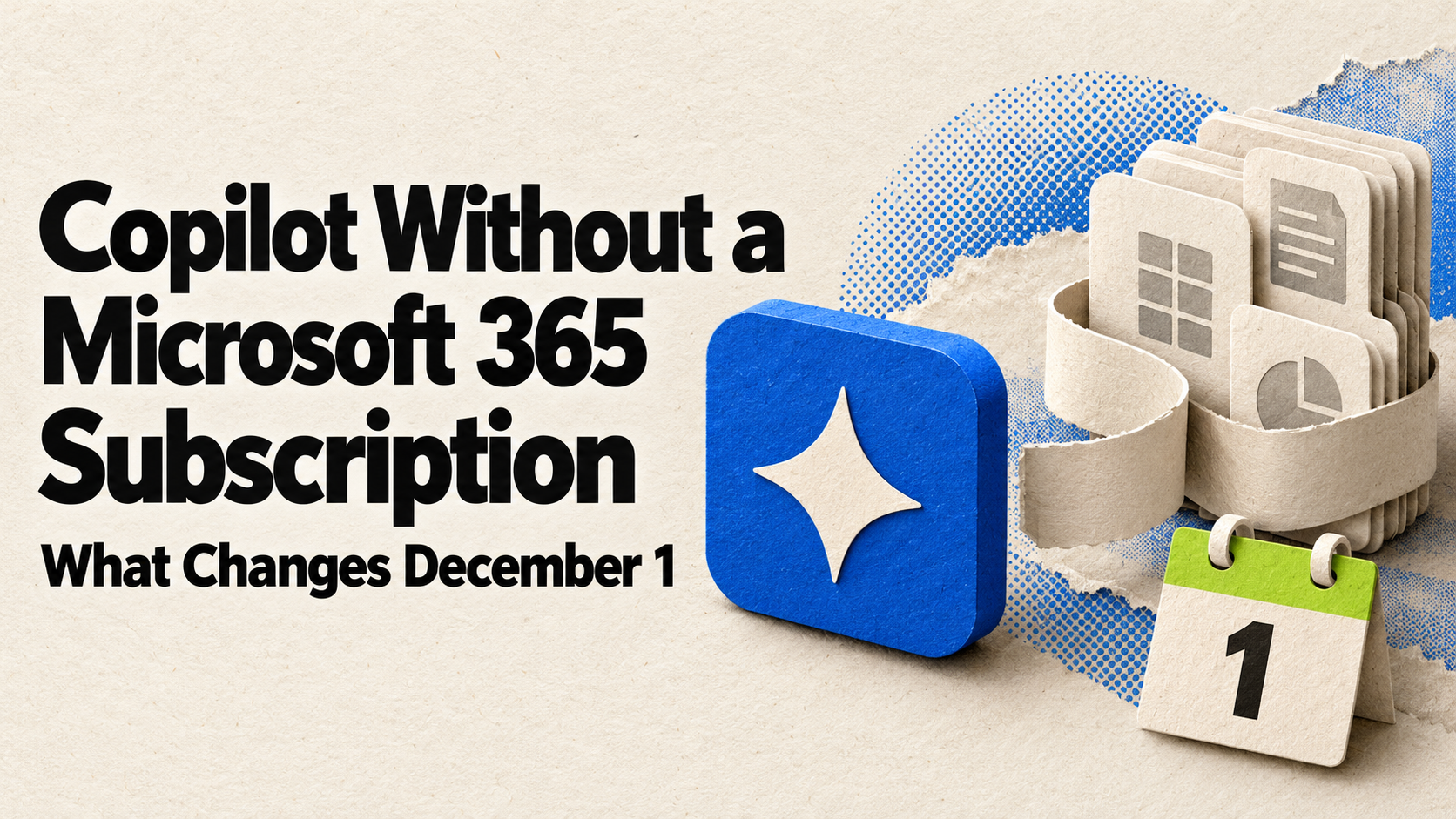
Starting December 1, 2026, businesses can buy Microsoft 365 Copilot and Copilot Business without first having a qualifying Microsoft 365 subscription. Prices stay the same, existing subscriptions don’t need any changes, and Copilot still works inside the Microsoft 365 apps you’re licensed for. The bigger practical change for many small businesses is billing: new Copilot Business licenses bought through Microsoft partners will have pay-as-you-go usage billing turned on by default, so set spending limits before you turn on advanced features.
- From December 1, Copilot and Copilot Business can be purchased without a Microsoft 365 base subscription, at the same price.
- Today’s offers are being renamed with “(add-on)” in the name; existing customers can keep renewing.
- Copilot Business lists at $21 per user per month paid yearly, discounted to $18 for the first year through December 31, 2026.
- Advanced features like Copilot Cowork are billed separately in “Copilot Credits,” on top of the license.
- New Copilot Business licenses bought through partners will have usage billing on by default, with a 4,000-credit monthly limit per user that admins can change.
What’s changing
In an October 14 announcement to its partners, Microsoft said that beginning December 1, 2026, new Microsoft 365 Copilot and Microsoft 365 Copilot Business offers can be purchased without a qualifying Microsoft 365 base subscription. The new offers will be sold through every channel, including the Microsoft partners and resellers many small businesses buy from, and they’re priced the same as today’s offers.
Microsoft was clear about what this does and doesn’t mean. The change “affects how customers purchase Copilot, not the underlying Copilot capabilities,” and Copilot experiences “continue to depend on the Microsoft 365 apps and services a customer is licensed for.” In other words, the buying rule is loosening, but Copilot still does its most useful work inside Word, Excel, Outlook, and Teams — which you still need to be licensed for.
Starting October 16, the current offers that require a Microsoft 365 subscription carry “(add-on)” in their names, such as “Microsoft 365 Copilot Business (add-on).” Those add-on versions stop being sold to new customers through partners on December 1, but existing customers can keep renewing and changing seat counts.
What Copilot costs for small businesses
From Microsoft’s Copilot business pricing page, checked October 23, 2026. The $18 price is a first-year discount available through December 31, 2026.
| Plan | Paid yearly | Paid monthly |
|---|---|---|
| Microsoft 365 Business Standard with Copilot | $23.50 per user/month | $28.20 per user/month |
| Microsoft 365 Business Premium with Copilot | $32.00 per user/month | $38.40 per user/month |
| Microsoft 365 Copilot Business (add-on) | $21.00, discounted to $18.00 per user/month | $25.20 per user/month |
Microsoft’s pricing page also notes that “some AI experiences require usage-based billing and may result in charges based on usage, beyond your license fees.” For how Copilot compares with ChatGPT, Claude, and Google Workspace, see our guide to AI costs for small business.
The other change: usage-based billing
Microsoft now splits Copilot into two kinds of cost. Everyday AI features are included in the license. More advanced experiences are billed by actual use in Copilot Credits — Microsoft’s list includes Copilot Cowork, advanced work in SharePoint and OneDrive, and the Teams Phone Agent, with more to come.
Beginning December 1, new Copilot Business licenses bought through Microsoft partners will have pay-as-you-go billing turned on by default, according to the same partner announcement. The default spending limit is 4,000 Copilot Credits per user per month, and admins can adjust it. Microsoft says this default won’t initially apply in Australia, Belgium, Brazil, France, Germany, India, Italy, Korea, the Netherlands, Poland, or Spain.
Admins manage all of this from the Cost management dashboard in the Microsoft 365 admin center, where they can set organization-wide and per-person spending limits, choose who can use credit-based features, and get alerts as people approach their limits.
Watch out
Microsoft’s spending policies have an “Auto-apply new services” setting that is on by default, which means new credit-based Copilot services can be covered by your existing policy automatically. If you’d rather review each new paid feature before anyone uses it, turn that setting off.
What to do, depending on where you are:
Step 1If you already pay for Copilot
Nothing changes for current subscriptions. Microsoft says product IDs, pricing, renewal terms, and service stay the same, and no migration is needed. You’ll just see “(add-on)” in the product name.
Step 2If you’re buying before year-end
Compare a bundle (Business Standard or Premium with Copilot) against adding Copilot Business to a plan you already have. The $18 add-on price is a first-year discount that ends December 31, 2026, and paying monthly costs more than paying yearly for every plan.
Step 3Set spending limits before turning on advanced features
Before anyone tries credit-based features like Cowork, set an organization-wide limit and per-person limits in the Cost management dashboard, and decide whether new services should be added automatically. A cap you set on day one is easier than explaining a bill later.
Step 4Ask your reseller about December 1
If you buy through a Microsoft partner, ask how they’ll handle the pay-as-you-go default and the 4,000-credit limit on new Copilot Business licenses, and when they’ll have the new offers. Microsoft is sharing a price list preview with partners on November 1.
Your next step
Before December 1
- Check whether your current Copilot licenses are add-ons or bundles — nothing changes for either.
- If you plan to buy, compare bundle and add-on prices, and note the first-year discount ends December 31.
- Set organization and per-person Copilot Credit limits in the Microsoft 365 admin center.
- Decide whether to turn off “Auto-apply new services” so new paid features need your review.
- Ask your reseller how they’ll handle usage billing on new licenses.
Keep going
Business Prompted publishes practical guides, tool reviews, and workflows for people who run businesses. Explore more at businessprompted.com.
Common questions
Can I buy Microsoft Copilot without Microsoft 365?
Starting December 1, 2026, Microsoft says new Microsoft 365 Copilot and Copilot Business offers can be purchased without a qualifying Microsoft 365 base subscription. Copilot still works within the Microsoft 365 apps and services you’re licensed for.
Is Copilot getting more expensive?
No. Microsoft says the new offers are priced the same as the current ones. Copilot Business lists at $21 per user per month paid yearly, with a first-year discount to $18 available through December 31, 2026.
Do I need to do anything if I already have Copilot?
No. Existing subscriptions keep their pricing, renewal terms, and service. The product name gains “(add-on).”
What are Copilot Credits?
They’re the unit Microsoft uses to bill advanced Copilot features by usage, such as Copilot Cowork and advanced work in SharePoint and OneDrive. Everyday AI features stay included in the license.
Will I be charged extra automatically?
Only for credit-based features people actually use. From December 1, new Copilot Business licenses bought through partners have usage billing on by default with a 4,000-credit monthly limit per user, which admins can lower or raise in the Microsoft 365 admin center.
Does this change apply outside the US?
The purchasing change applies across channels and customer types. Microsoft says the usage-billing default won’t initially apply in several countries, including Australia, France, Germany, India, and Spain.
Sources & further reading
Updated October 23, 2026. Prices are from Microsoft’s pricing page on that date. Microsoft is sharing updated price lists with partners on November 1; we’ll update this article if details change.
Business Prompted guides are written for practical use and checked against the sources listed above. Read our editorial policy.