The bottom line
AI costs for small business owners typically start at $0 to $150 a month, often with a free plan or one paid seat. A small team running a few tools plus one automation platform usually spends $150 to $800 a month, once setup and training time are added. Custom AI builds, like a chatbot connected to your own data, are quoted separately and often start in the low thousands.
- Many small businesses already pay for AI without realizing it, inside Microsoft 365 or Google Workspace plans they already use.
- Subscription price is rarely the whole bill. Setup, training, review, and integration work add real cost, even when they don’t appear on an invoice.
- Free plans and free trials are different things. A free plan continues indefinitely with limits; a free trial expires and often converts to a paid charge automatically.
- A solo owner, a 5-person team, and a 10–20 person company face very different budgets. There’s no single “normal” number for a small business AI budget.
- Start with one measurable problem and one tool. Expanding your stack before you measure results is the most common way small businesses overspend on AI.
AI costs for small business at a glance
Use this table as a starting point. Each category is explained in detail below, along with three worked examples.
Estimates based on vendor list prices checked October 19, 2026. Software subscriptions only.
| Business profile | Typical monthly software cost | What it usually includes |
|---|---|---|
| Solo owner | $0–$50 | A free AI tool or one paid assistant seat for writing, research, or analysis |
| 5-person team | $50–$300 | Several paid seats, shared workspace features, maybe one automation tool |
| 10–20 person company | $200–$800+ | Business-grade licenses, workflow automation, CRM or help-desk integrations |
| Custom implementation | Quote required, often low thousands and up | Consulting, data integration, custom chatbots, security review, training |
These ranges cover software subscriptions only. They don’t include staff time, which we cover in the hidden-costs section below.
Check whether your current tools already include AI
Before adding a new subscription, check what you’re already paying for.
Google Workspace bundles Gemini, its AI assistant, into its paid business plans rather than selling it only as a standalone product. On Google’s Workspace pricing page, Business Starter includes the Gemini assistant in Gmail, while Business Standard and Plus include it in Gmail, Docs, Meet, and more. Listed prices start at $7, $14, and $22 per user per month with a one-year commitment; month-to-month plans cost more. New features keep arriving inside these plans — Gmail’s AI Inbox, for example, is rolling out to paid Workspace accounts at no extra charge.
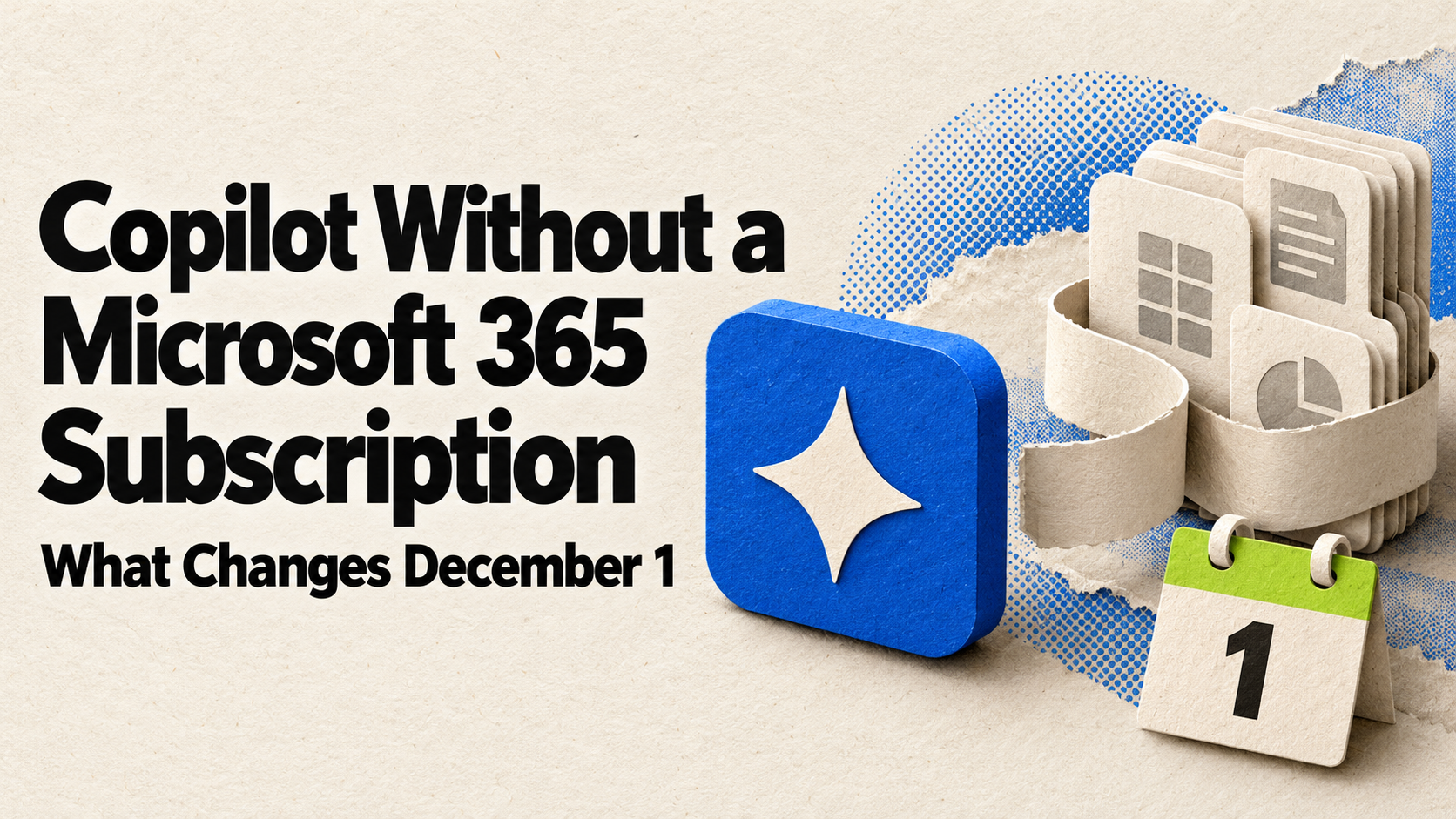
Microsoft 365 Copilot works similarly, with one change coming. Today, Microsoft lists Business Standard and Business Premium plans with Copilot built in on its Copilot pricing page ($23.50 and $32 per user per month, paid yearly), plus Copilot Business as an add-on to an existing Microsoft 365 business subscription. Starting December 1, 2026, Microsoft says new Copilot and Copilot Business offers can be bought without a qualifying Microsoft 365 base subscription, at the same price. Copilot still works inside the Microsoft 365 apps you’re licensed for, so the bundle question doesn’t go away.
If your team already runs on Google Workspace or Microsoft 365, ask whether a plan upgrade gets you AI features for summarizing documents, drafting emails, or searching files, before you shop for a separate tool that does the same thing.
The core cost categories
Subscriptions and per-user seats
General-purpose AI assistants are usually priced per user, per month. Based on vendor pricing pages checked October 19, 2026:
- Individual paid plans are around $20 per user per month: ChatGPT Plus is $20, and Claude Pro is $20 billed monthly or $17 a month billed annually. ChatGPT also offers an $8 Go plan, which may include ads.
- Team tiers add admin controls, shared workspaces, and stronger data commitments. ChatGPT Business and Claude Team both list standard seats at $20 per seat per month billed annually, or $25 billed monthly, and both say they don’t train on your business content by default.
Check the pricing pages directly before you buy, since AI vendors adjust pricing more often than most software categories.
Usage-based and API charges
Some tools charge by volume instead of, or in addition to, a flat seat price. This is common with automation platforms and with direct API access to AI models. Two terms worth knowing:
- API (application programming interface): a technical connection that lets one piece of software use another’s AI capability directly, rather than through a chat window.
- Token: a unit of text that many AI systems use to measure and bill usage. Longer documents and conversations use more tokens.
Automation platforms like Zapier charge based on the number of automated “tasks” run per month, not just a flat subscription. Zapier’s pricing page lists a free plan, Professional from $19.99 a month, and Team from $69 a month, with the price rising as you choose a higher monthly task tier. A workflow processing a few hundred records a month costs very differently than one processing tens of thousands. Microsoft has moved the same way: its Copilot business plans now include usage-based billing for select advanced AI features.
Setup and configuration
Implementation cost for small business AI projects is the hardest part to estimate in advance, because it depends on how much custom work your use case requires. Some setup work is DIY: writing prompts, building a simple prompt library (a set of reusable instructions for repeat tasks), or configuring a chat assistant’s settings. Other setup work typically requires a paid quote rather than a published price, including:
- Custom chatbots trained on your own documents
- Connecting AI tools to proprietary or sensitive data
- Multi-step automated workflows across several business systems
Treat these as “quote required” line items rather than guessing a number, since cost depends heavily on your specific data and systems.
Integrations
Connecting AI to your CRM, accounting software, email, or support desk is one of the most common places where a published subscription price understates the real cost. This work is usually quoted per project, because it depends on how messy your existing data is and how many systems need to communicate.
Training
Staff need time to learn a new tool well, including how to write effective prompts and how to spot when an AI tool’s output is wrong or made up. This is a real cost even though it rarely appears as a line item on an invoice. Budget staff hours for it, not just dollars.
Review and quality control
AI tools can produce confident-sounding but inaccurate output, often called a hallucination — NIST calls it “confabulation.” A human-in-the-loop process — a person reviewing AI output before it reaches a customer or goes into a filing — is not optional for most business uses. This is a recurring cost, not a one-time setup step, because it applies every time the tool handles something that matters.
Ongoing maintenance
Seats need renewing. Prompts and workflows need updating as your business changes. Someone needs to periodically ask whether a tool is still earning its monthly fee. Build this review into your calendar, not just your budget.
Free plans vs. free trials — what’s the difference
These get confused constantly, and the confusion causes billing surprises.
- A sustained free plan (sometimes called a free tier) is a permanent, limited version of a product. ChatGPT’s free plan is an example: it stays free indefinitely but with usage and feature limits.
- A free trial is time-limited, typically 14 or 30 days, and usually converts to a paid subscription automatically unless you cancel.
Free tools, whether trial or sustained, often restrict things that matter for a real business: admin controls, data-retention settings, team collaboration features, and integrations. Data terms differ by tier, too — OpenAI’s pricing page notes that content on its individual plans is used to train its models unless you opt out, while its Business plan doesn’t train on business data by default. If you plan to put customer, financial, or employee data into an AI tool, check the plan’s data-handling terms, not just the price.
Three illustrative budgets
These are synthetic, labeled examples built to show the arithmetic, not real customer data or guaranteed costs. Actual costs will vary by vendor, usage, and team. Swap in your own numbers to build your own small business AI budget.
Seat and plan prices below come from the vendor pricing pages listed under Sources, checked October 19, 2026. Setup and training figures are planning assumptions. Confirm current rates before you finalize a budget, since AI pricing changes often.
Example: solo owner
- 1 paid AI assistant seat at $20/month × 12 = $240/year
- Setup time: self-managed, no separate cost
- Training time: a few hours, self-directed
- Excluded: integrations, custom automation, paid automation platform
Illustrative total: roughly $240/year in software, plus a few hours of personal time.
Example: small team (5 people)
- 5 team-plan assistant seats at $20/seat/month (billed annually) = $100/month
- 1 automation platform on an entry paid plan = about $20/month
- Total software: $120/month × 12 = $1,440/year
- Setup and initial training: $500–$1,500 (staff time or a short contractor engagement)
- Excluded: custom integrations, compliance review, ongoing consulting
Illustrative first-year total: roughly $1,900–$2,900. Paying month to month at $25 a seat adds $300 a year.
Example: more automated workflow (10–20 people)
- 15 team-plan assistant seats at $25/seat/month (billed monthly) = $375/month
- Automation platform, team tier = about $69/month
- Total software: $444/month × 12 = $5,328/year
- Custom CRM integration and workflow build: quote required. Get a scoped quote from a vendor or consultant; cost depends heavily on how many systems need to connect and how clean your existing data is.
- Training and change management: $1,000–$3,000
Illustrative total: roughly $6,300–$8,300 in predictable costs, plus a separately quoted integration project.
Hidden costs people forget to budget
- Security and privacy upgrades. Moving from a free or individual plan to a business tier for stronger data controls.
- Compliance needs. Regulated industries (healthcare, finance, legal) may need audit trails, retention policies, or contractual data protections that add cost.
- Change management. Staff resistance or inconsistent use can quietly erase expected time savings.
- AI sprawl. Several overlapping $20-a-month tools that do similar things, each justified individually but never evaluated as a group.
How to measure whether the spend is worth it
Measure a baseline before you buy anything, not after. Track, for the task you want to improve:
- Hours spent per task today
- Current error or rework rate
- Response time to customers
- Cost per transaction, if applicable
A simple return-on-investment formula:
ROI = (financial benefit − AI cost) ÷ AI cost
Count time savings as a financial benefit only when they free up capacity you actually use, such as taking on more clients, reducing overtime, or reassigning staff to higher-value work. Time saved that nobody reallocates isn’t a real return. Also be cautious with vendor or survey statistics claiming broad savings; many are self-reported perceptions from surveys, not audited results. Your own numbers will tell you more than someone else’s average.
A simple way to decide what to add first
- Check what your current software already includes before buying anything new.
- Pick one repetitive, measurable task, not a wish list of five.
- Trial one tool for 30 days against that specific task.
- Compare the baseline numbers you tracked before and after.
- Expand only after you confirm a real improvement.
For a broader framework on sequencing these decisions across a growing team, see Business Prompted’s guide to AI adoption strategy.
Your next step
Price your first AI tool the right way
- List your three most repetitive weekly tasks.
- Check whether your existing Microsoft 365 or Google Workspace plan already includes an AI feature that handles one of them.
- If not, price one paid seat for 30 days before committing to an annual plan.
- Track your time and error rate before and after.
- Expand only if the numbers hold up.
Keep going
Business Prompted publishes practical guides, tool reviews, and workflows for people who run businesses. Explore more at businessprompted.com.
Common questions
How much does AI cost for a small business?
It depends mostly on team size and whether you use off-the-shelf tools or custom automation. A solo owner often spends $0–$50 a month. A small team typically spends $150–$800 a month once setup and training are included. Custom chatbots or integrations are usually quoted separately.
What is the 30% rule for AI?
There’s no single, widely verified “30% rule” for AI budgeting. As a practical cushion, add roughly 20–30% to your expected software cost to cover setup, training, and review during the first year.
Which AI tool is best for small business?
There isn’t one best tool; it depends on the task. General assistants like ChatGPT or Claude suit writing, research, and analysis. Microsoft 365 Copilot or Google Workspace with Gemini suit teams already using those platforms. Automation platforms like Zapier suit connecting multiple apps together. For a fuller decision framework, see Business Prompted’s guide to AI adoption strategy.
How do I add AI to my business?
Identify one repetitive task, check whether your existing software already includes an AI option for it, trial one paid tool for 30 days, measure time and error impact against a baseline, then expand only if the numbers hold up.
Is AI free for a small business?
Sometimes, through sustained free plans, but free tiers usually limit admin controls, data retention settings, and integrations. If you handle customer or financial data, read the plan’s data terms before relying on a free tier long-term.
How much should a 5-person business budget monthly?
A reasonable starting range is $50–$300 a month for assistant seats plus one or two supporting tools, such as an automation platform.
Is a paid business-tier plan necessary?
Not always. Paid business tiers matter more once you need centralized billing, admin controls, stronger data-retention commitments, shared workspaces, or integration with other business systems. ChatGPT Business and Claude Team, for example, both say they don’t train on your content by default.
What produces the fastest return on an AI investment?
High-volume repetitive tasks tend to show the clearest early results: meeting summaries, routine email or document drafts, and searching internal documents. The fastest return still depends on measuring your own before-and-after numbers rather than assuming a result.
Sources & further reading
- OpenAI — ChatGPT pricing
- Anthropic — Claude plans & pricing
- Google — Google Workspace pricing
- Microsoft — Copilot plans and pricing for business
- Microsoft Partner Center — October 2026 announcements (Copilot offers from December 1)
- Zapier — Plans & pricing
- OpenAI Help — Understanding and counting tokens
- NIST — AI 600-1, Generative AI Profile
Prices checked October 19, 2026 against each vendor’s own pricing page. AI pricing changes often; we’ll update this guide when the numbers move.
A note on risk: Investing time and money into business tools carries operational and financial risk, and results vary by business. This article is general information, not individualized financial, tax, or legal advice. Consult a qualified professional for guidance specific to your business.
Business Prompted guides are written for practical use and checked against the sources listed above. Read our editorial policy.